Cafans Journal
Stories & FindsThe Complete CAFANS Guide: Mastering Wemimi for Smarter Shopping
Introduction to the CAFANS Philosophy and Wemimi
If you have spent any time in online shopping communities recently, you have likely encountered the term CAFANS. Short for Collecting And Finding All Necessary Stuff, CAFANS describes a practical mindset: gather the best available options, compare them intelligently, and buy only what truly serves your needs. The Wemimi platform has become the go-to destination for shoppers who embrace this philosophy, offering a curated approach to discovering quality goods without endless scrolling.
This Wemimi guide walks you through everything you need to know, from building your first Wemimi spreadsheet to making the most of Wemimi product links and following a disciplined Wemimi shopping guide. By the end, you will have a repeatable system for smart, organized buying.
Why CAFANS Shoppers Choose Wemimi
The core appeal of Wemimi lies in structure. Instead of chaotic flash sales, the platform organizes items into logical collections, making it easy to apply the CAFANS method. Whether you are hunting for home essentials, fashion accessories, or tech gadgets, the layout encourages thoughtful comparison rather than impulse clicks.
Experienced users often describe Wemimi as a “shopping workspace.” You can save items, track prices, and share findings with friends. This collaborative angle is perfect for CAFANS groups who pool research and split orders to save on shipping. The community aspect turns solo browsing into a shared project.
Getting Started: Your First Wemimi Guide
Step 1: Set Up Your Account
Creating a profile takes only a few minutes. Use a dedicated email address so all order confirmations and deal alerts stay in one place. Add a verified phone number for delivery updates, and enable two-factor authentication for security.
Step 2: Explore Categories Strategically
Rather than browsing every category, start with a clear goal. CAFANS practitioners recommend writing a short list of needs before logging in. This prevents the “ooh, shiny” trap that inflates carts. The Wemimi search bar supports filters for price range, material, and shipping origin, which narrows results fast.
Step 3: Save and Compare
Use the wishlist and comparison tools liberally. Saving five similar items and reviewing them side by side is the essence of CAFANS. Note the specifications, check reviews, and only then commit.
Building a Wemimi Spreadsheet That Works
A Wemimi spreadsheet is the backbone of organized shopping. Follow these column suggestions:
- Item name and category – keeps rows searchable.
- Product link – paste the full URL for quick reference.
- Unit price and shipping cost – always calculate the landed cost.
- Seller rating and review count – flags risky purchases.
- Priority score (1–5) – ranks how urgently you need it.
- Status – mark as researching, ordered, shipped, or received.
Color-code rows by category and add a summary tab with running totals. Many CAFANS shoppers keep a “next haul” tab separate from a “long-term wishlist” tab so they can bundle orders and hit free-shipping thresholds.
Mastering Wemimi Product Links
Sharing and saving Wemimi product links is central to the experience. A few habits make links more useful:
- Copy the canonical link, not a shortened redirect, so the page stays stable.
- Add a short note next to each link in your spreadsheet describing why you saved it.
- Check whether the link includes variant details (size, color) before sending to friends.
- Use link-tracking tools sparingly; too many redirects can break over time.
When comparing items, open links in separate tabs and screenshot the price and key specs. Prices shift, and screenshots protect you if a listing changes after you order.
The Wemimi Shopping Guide: Smart Buying Habits
Research Before You Commit
Read reviews with photos whenever possible. Look for patterns in complaints rather than isolated one-star rants. Sort reviews by “most recent” to catch quality changes.
Understand Shipping and Returns
Delivery windows vary by seller. Factor shipping time into your planning, especially for gifts. Confirm the return policy before checkout; some categories are final sale.
Bundle to Save
Group items from the same warehouse to reduce shipping fees. Your spreadsheet makes this easy: filter rows by seller and consolidate.
Track and Review
After delivery, update your spreadsheet status and add a one-line review. Over time, this personal database becomes your most valuable shopping asset.
Common Mistakes CAFANS Shoppers Make
- Buying duplicates because the spreadsheet was not updated.
- Ignoring landed cost, which hides shipping and tax surprises.
- Trusting a single glowing review instead of reading many.
- Skipping the return-window check and then discovering restocking fees.
- Letting the wishlist grow unchecked until decision fatigue sets in.
Conclusion
The CAFANS approach transforms online shopping from a gamble into a system. With Wemimi as your platform, a well-built Wemimi spreadsheet, disciplined use of Wemimi product links, and the habits in this Wemimi guide, you can shop confidently and avoid regret purchases. Treat the Wemimi shopping guide principles as a checklist, revisit your spreadsheet weekly, and let the CAFANS mindset do the rest.
Related Terms for Your Research
To deepen your understanding, explore these thirty related concepts: online shopping, product comparison, price tracking, wishlist management, deal alerts, review analysis, shipping costs, return policy, order tracking, category filters, wishlist, comparison shopping, budget planning, purchase history, seller ratings, bundle deals, free shipping threshold, impulse buying, decision fatigue, restocking fees, order confirmation, delivery windows, quality assessment, product specifications, screenshots for records, community sharing, cart management, savings goals, smart consumer, and shopping checklist.
Editor's selection
Popular Products

DS Slippers | Wheebuy spreadsheet | LoongBuy spreadsheet | Lovegobuy spreadsheet - 135724
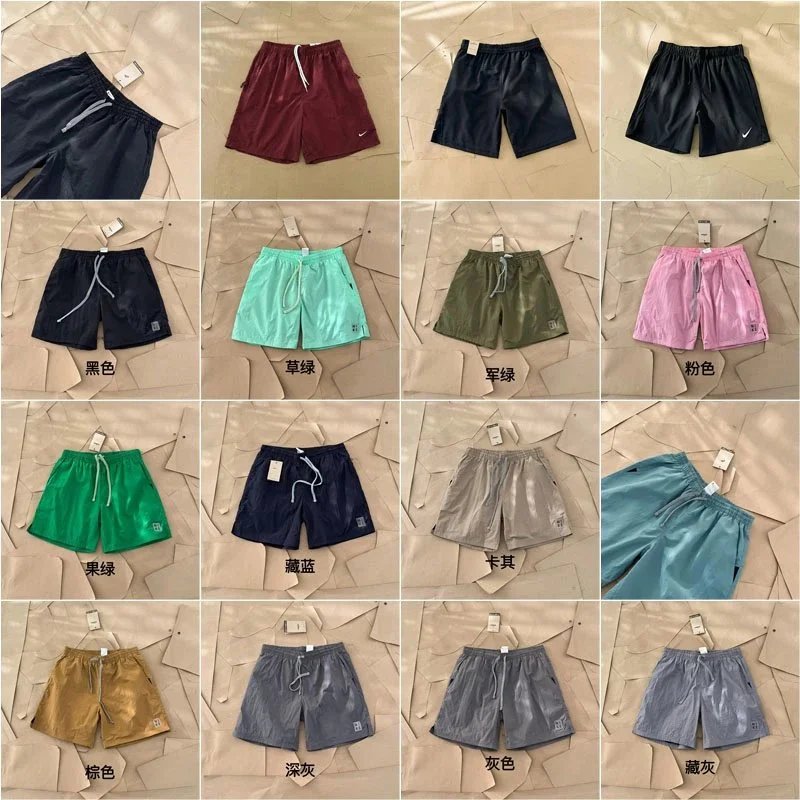
NI*KE Shorts - Clothing - 167612

Bag | MyCNBox spreadsheet | Hipobuy spreadsheet | Fishgoo spreadsheet - 152055

1213 Santos Jersey Home and Away | BBDBuy spreadsheet | Fansbuy spreadsheet - 142119

Puffer Jacket XXS888 Puffer Jacket | USFans spreadsheet | JoyaGoo spreadsheet | CSSBuy spreadsheet - 143983
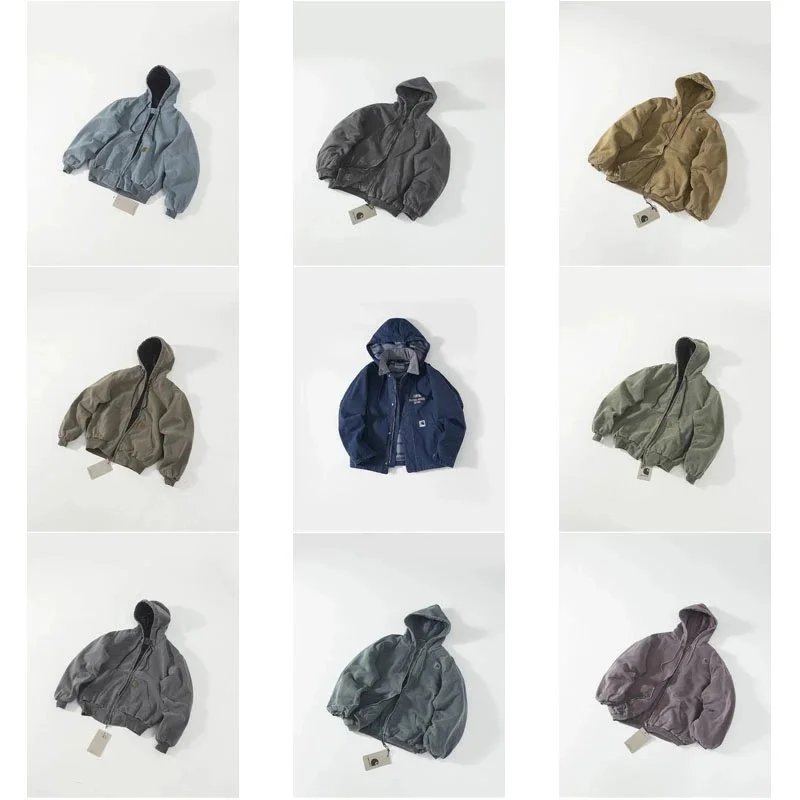
Carhartt Jacket | LoongBuy spreadsheet | Kakobuy spreadsheet | BBDBuy spreadsheet - 151771
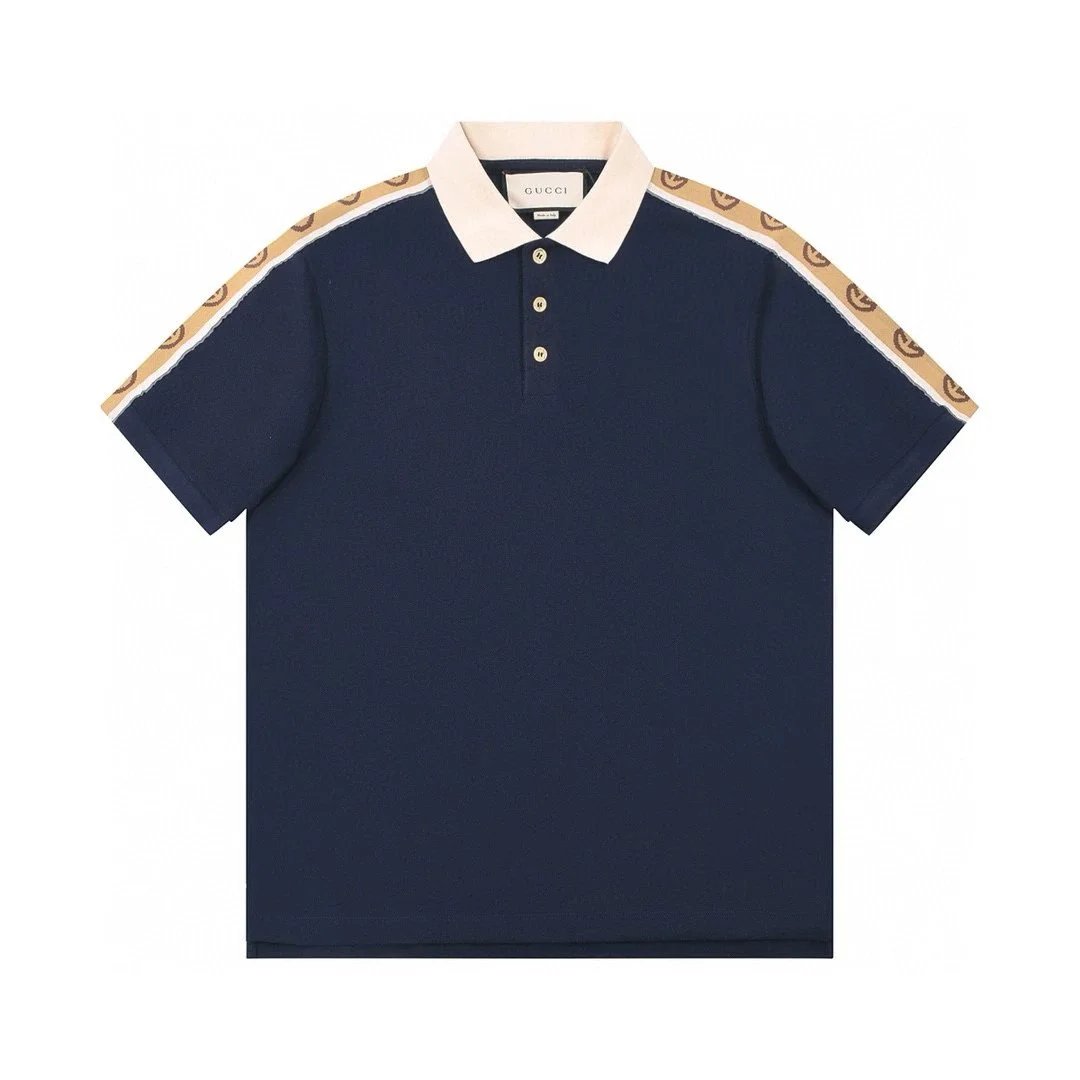
Polo Shirt 030763 zhongshan polo Shirt | BBDBuy spreadsheet | JoyaGoo spreadsheet - 145222