Cafans Journal
Stories & FindsVigorBuy CAFANS Guide: A Complete 1000-Word Walkthrough
VigorBuy CAFANS Guide: Everything You Need to Know
Welcome to the complete VigorBuy CAFANS guide. Whether you are a first-time shopper or a seasoned reseller, this walkthrough explains how to use VigorBuy efficiently, how the CAFANS workflow fits together, and how to get the most out of every order. We cover the VigorBuy spreadsheet, the VigorBuy guide, VigorBuy product links, and the VigorBuy shopping guide in practical detail, using plain language and real-world tips.
What Is VigorBuy and Why CAFANS Matters
VigorBuy is an agent and purchasing platform that helps international buyers order from Chinese marketplaces and independent sellers. CAFANS is the community and documentation layer around it: shared spreadsheets, QC (quality control) notes, sizing charts, shipping comparisons, and curated finds. Together they turn a scattered sourcing process into a repeatable routine.
The core idea is simple: you find a product link, paste it into the VigorBuy product links field, confirm the variant and price, then let the agent handle purchase, inspection, and consolidation. The VigorBuy spreadsheet keeps track of orders, while the VigorBuy guide answers common questions such as refunds, warehouse storage, and parcel limits.
Step 1: Set Up Your Account and Preferences
Start by registering and completing your profile. Add a verified email, a phone number, and at least one shipping address. Set your preferred currency and language so prices display correctly. Beginners often skip this, but a correct address prevents failed deliveries and extra fees later.
Next, review the VigorBuy shopping guide section on payment methods. Most users top up a wallet balance or pay per order; both work, but a wallet is faster during limited drops. Enable notifications for order status changes, QC photo uploads, and warehouse reminders.
Step 2: Find Products and Use VigorBuy Product Links
Product discovery usually happens outside the platform. You may browse marketplace apps, social media, or community boards. When you find an item, copy the link and paste it into the VigorBuy product links box. The system parses the title, images, price, and available variants.
Always double-check the selected size, color, and batch. If the listing has vague options, add a note in the remarks field. This is where CAFANS-style discipline helps: write short, specific requests such as "confirm insole length" or "no logo on tag" so the purchasing agent knows exactly what to verify.
For popular categories, keep a personal shortlist of trusted links. A VigorBuy spreadsheet template can store the URL, seller name, price history, and QC result. Over time this becomes your private catalog and saves hours of repeat searching.
Step 3: Build and Maintain a VigorBuy Spreadsheet
A VigorBuy spreadsheet is more than a wish list. Treat it as an operations log. Useful columns include:
- Order ID and date
- Product name and category
- Seller and original link
- Declared price and shipping estimate
- Size, color, and variant
- QC status and photo links
- Warehouse arrival date
- Consolidation batch
- Final parcel tracking number
- Notes and follow-up actions
Color-code rows by status: pending purchase, awaiting QC, stored, shipped, and completed. Share the sheet with friends if you co-order, but lock formula cells to avoid accidental edits. Review it weekly to catch items nearing free storage expiry.
Step 4: Quality Control and Approvals
When your item reaches the warehouse, VigorBuy typically uploads QC photos. Inspect stitching, measurements, labels, and packaging. Compare against the seller's listing and your spreadsheet notes. If something looks wrong, request additional photos or an exchange before approving international shipping.
Remember that QC is a visual check, not a laboratory test. Be realistic about what agents can verify. For electronics, ask for a power-on photo; for apparel, ask for a flat-lay measurement. Clear requests get clear results.
Step 5: Consolidation, Shipping, and Customs
Consolidation combines multiple items into one parcel, reducing cost per item. Use the VigorBuy shopping guide to compare line options: economy, standard, and express. Check weight limits, restricted goods, and insurance terms. Declare values accurately and keep invoices for customs.
Track your parcel and update the VigorBuy spreadsheet with the tracking number and arrival date. If a parcel is delayed, contact support with the order ID and photos. Document every conversation in the notes column so future claims are easier.
Step 6: Refunds, Returns, and Disputes
Policies differ by seller and item condition. Read the VigorBuy guide before purchasing fragile or high-value goods. Keep original packaging until you are satisfied. For defective items, submit evidence quickly; deadlines matter. A well-kept VigorBuy spreadsheet makes disputes faster because you already have dates, links, and QC photos in one place.
Practical Tips from the CAFANS Community
- Batch small accessories together; ship bulky items separately.
- Compare at least three sellers before committing to a batch.
- Use consistent naming in your spreadsheet to make searching easy.
- Save QC photos locally in case links expire.
- Avoid last-minute top-ups during peak shopping seasons.
- Read the latest VigorBuy shopping guide updates; fees and routes change.
- Prefer sellers with recent reviews and clear size charts.
- Keep a buffer budget for shipping surprises and currency swings.
- Check warehouse storage windows to avoid daily fees.
- Use remark templates to speed up repeat orders.
Common Mistakes to Avoid
New users often forget to verify variants, ignore QC deadlines, or over-declare parcel values. Others paste dead product links without checking whether the seller still lists the item. A quick review of your VigorBuy product links before purchase prevents most of these issues.
Conclusion
The VigorBuy CAFANS approach is about systems, not luck. Set up your account carefully, curate product links, maintain a disciplined VigorBuy spreadsheet, review QC photos, and consolidate shipments wisely. Follow the VigorBuy guide, and the VigorBuy shopping guide will feel like a checklist rather than a maze. Start small, document everything, and scale your routine as you learn.
Editor's selection
Popular Products

Shoes Ph076 Breathable Running Shoes | CSSBuy spreadsheet | LoongBuy spreadsheet - 136150

Men's Casual Shoes | CSSBuy spreadsheet | Kakobuy spreadsheet | Rizzitgo spreadsheet - 135435

Casual Shoes | Kakobuy spreadsheet | Hubbuycn spreadsheet | CNShopper spreadsheet - 136046

DS Slippers | Wheebuy spreadsheet | LoongBuy spreadsheet | Lovegobuy spreadsheet - 135724

Accessories | UIDBuy spreadsheet | Fishgoo spreadsheet | Oopbuy spreadsheet - 140922
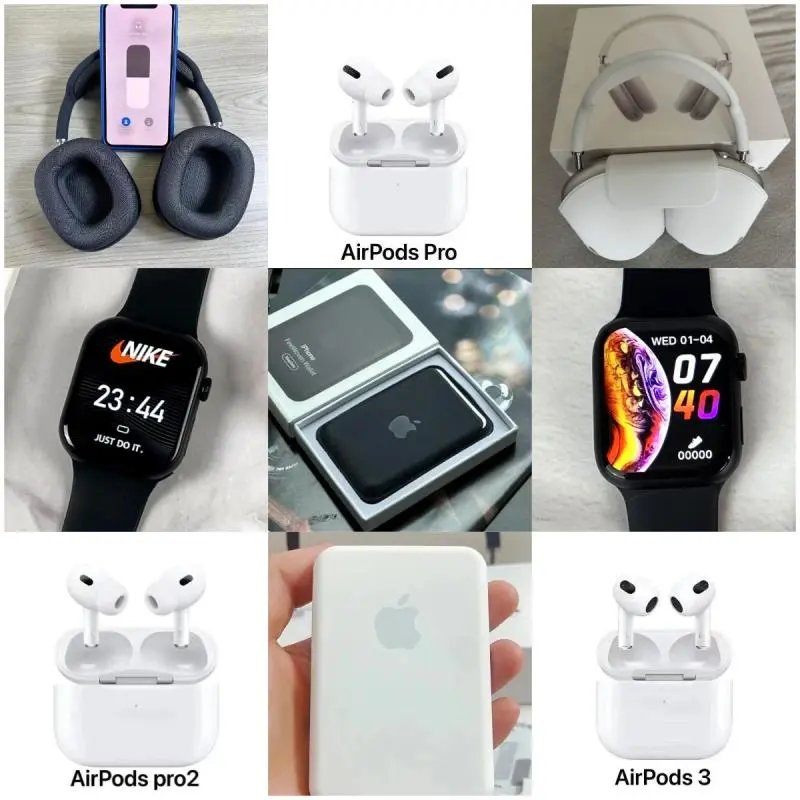
Catalog Item TF25 Digital Electronics | UIDBuy spreadsheet | Fishgoo spreadsheet - 141140
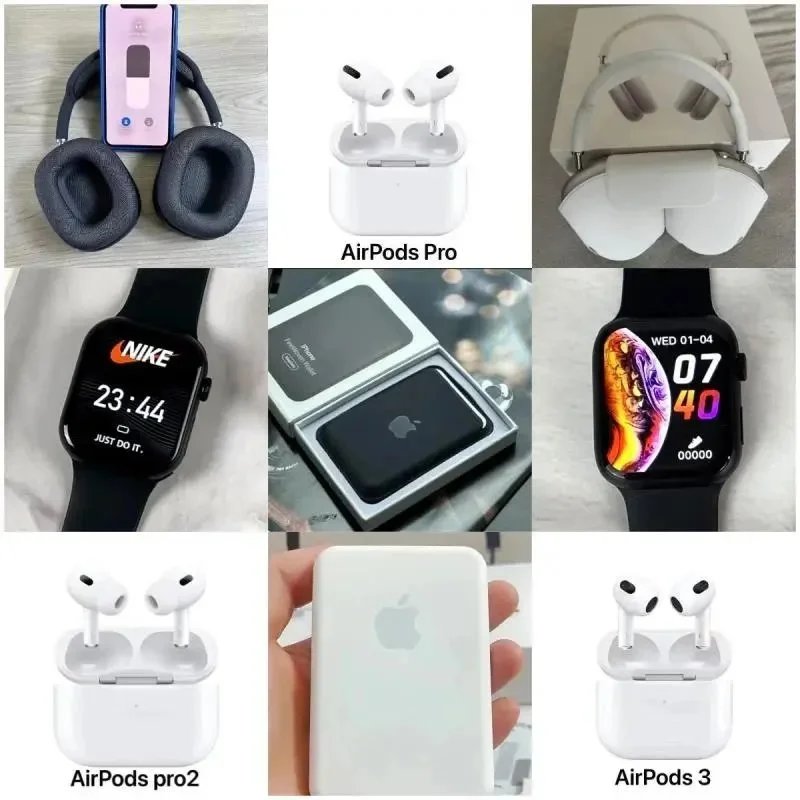
Catalog Item LL55 Digital Electronics | Superbuy spreadsheet | Fishgoo spreadsheet - 138885