Cafans Journal
Stories & FindsThe Ultimate CAFANS Guide to Spreadsheets: Shopping, Product Comparison, and Agent Shopping
The Ultimate CAFANS Guide to Spreadsheets: Shopping, Product Comparison, and Agent Shopping
Welcome to the CAFANS guide on using spreadsheets for smarter shopping. Whether you're a casual buyer or a professional agent, a well-structured spreadsheet can transform your purchasing process. This guide covers the essentials of creating a shopping spreadsheet, conducting product comparisons, and managing agent shopping. Let's dive in.
Why Use a Spreadsheet for Shopping?
A spreadsheet is a versatile tool that helps you organize data, track expenses, and make informed decisions. For shopping, it allows you to list items, compare prices, and calculate totals. With the right spreadsheet guide, you can avoid overspending and ensure you get the best deals. Key benefits include:
- Centralized information: Keep all product details in one place.
- Easy updates: Modify quantities, prices, and notes quickly.
- Visual analysis: Use charts and graphs to spot trends.
- Collaboration: Share with family or team members.
Creating a Shopping Spreadsheet
A shopping spreadsheet is your go-to tool for planning purchases. Start by defining your columns. Common headers include:
- Item name
- Category (e.g., groceries, electronics)
- Quantity needed
- Unit price
- Total cost (formula: quantity * unit price)
- Store/website
- Notes (e.g., discounts, alternatives)
Use rows for each item and columns for attributes. Apply filters to sort by category or price. You can also add a pivot table to summarize spending by category. For budget tracking, include a budget column and compare with actual costs.
Product Comparison Spreadsheet
A product comparison spreadsheet helps you evaluate similar items side by side. This is crucial when choosing between brands or models. Set up columns for:
- Product name
- Price
- Key features (e.g., size, warranty)
- Ratings
- Pros and cons
- Seller
Use conditional formatting to highlight the lowest price or highest rating. Add a score column with weighted criteria to quantify your decision. For example, price might carry 40% weight, features 30%, and reviews 30%. Calculate a total score using formulas.
Don't forget to include shipping costs and taxes for accurate comparisons. A pivot table can summarize average prices by brand.
Agent Shopping Spreadsheet
If you're shopping on behalf of others, an agent shopping spreadsheet is essential. This type of spreadsheet tracks orders, clients, and payments. Include columns for:
- Client name
- Order date
- Item details
- Quantity
- Purchase price
- Service fee
- Total charged
- Payment status
- Tracking number
Use data validation to ensure consistent entries (e.g., payment status: Paid/Pending). Add a dashboard with charts to monitor total sales and outstanding payments. Formulas can calculate service fees automatically. For multiple clients, consider using separate sheets or a database approach with VLOOKUP to pull client information.
Spreadsheet Guide: Best Practices
Follow these tips to maximize efficiency:
- Keep it simple: Avoid overly complex formulas; use named ranges for clarity.
- Use templates: Start with a pre-designed shopping spreadsheet template.
- Regular backups: Save versions to avoid data loss.
- Data validation: Restrict input to predefined lists to reduce errors.
- Conditional formatting: Highlight key data like low stock or high expenses.
- Pivot tables: Summarize large datasets quickly.
- Charts: Visualize spending patterns.
- Collaboration: Use cloud-based spreadsheets (e.g., Google Sheets) for real-time updates.
Advanced Techniques
For power users, explore macros to automate repetitive tasks. Use VLOOKUP or INDEX-MATCH to cross-reference data between sheets. Pivot tables can generate dynamic reports. Conditional formatting with formulas can flag outliers. Data validation ensures consistency. And charts make data presentation easy.
Conclusion
Mastering spreadsheets is a game-changer for shopping. With a shopping spreadsheet, you plan purchases; a product comparison spreadsheet, you make informed choices; and an agent shopping spreadsheet, you manage orders professionally. Use this CAFANS guide as your roadmap to efficient, organized shopping. Happy spreadsheet-ing!
Editor's selection
Popular Products

Catalog Item TF25 Digital Electronics | UIDBuy spreadsheet | Fishgoo spreadsheet - 141140

Catalog Item LL55 Digital Electronics | Superbuy spreadsheet | Fishgoo spreadsheet - 138885

Headphones XB22 Headphones and Electronics Selection | LoongBuy spreadsheet | Hubbuycn spreadsheet - 136779
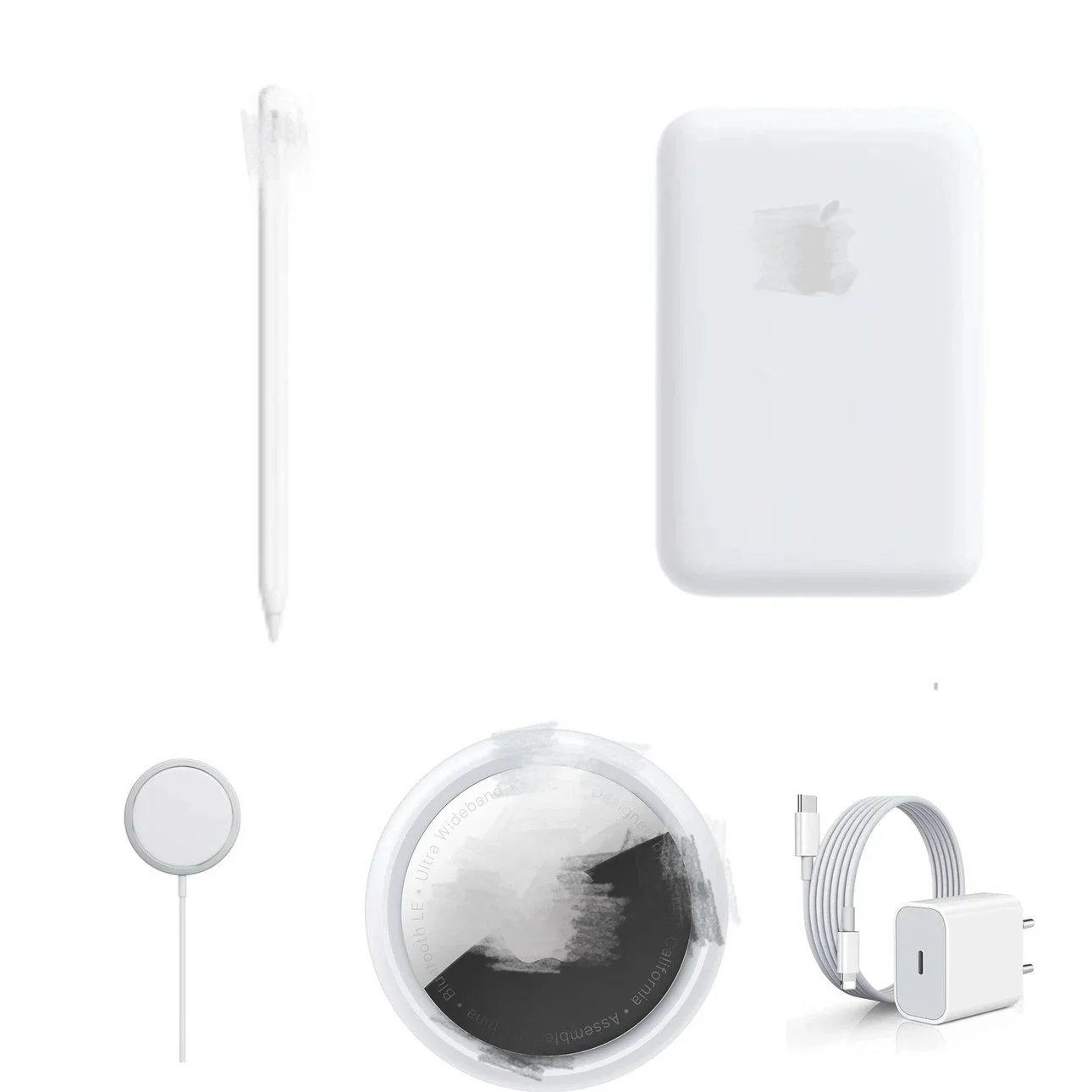
AP Charging and Electronics Accessories Selection | Fishgoo spreadsheet | Sugargoo spreadsheet - 149985

Beanie | USFans spreadsheet | CNShopper spreadsheet | MyCNBox spreadsheet - 154875

Sp5der Suit - Clothing - 168298

Short-Sleeve T-Shirt - 162425
