Cafans Journal
Stories & FindsThe English CAFANS Guide: A Complete ASDBuy Walkthrough
If you have been searching for a reliable English-language resource for CAFANS, this guide is for you. CAFANS has become a popular destination for shoppers who want a curated selection of lifestyle, home, and personal items, and many English-speaking buyers turn to ASDBuy to make sense of it all. In this 1000-word guide, we walk through what CAFANS is, how ASDBuy fits in, and how to use tools like the ASDBuy spreadsheet and ASDBuy product links to shop smarter.
What Is CAFANS?
CAFANS is a shopping ecosystem that brings together a wide range of everyday products—think home organization, kitchen tools, small electronics, fashion accessories, and seasonal goods. Because the catalog is so broad, new shoppers often feel overwhelmed. That is where the ASDBuy approach helps: it organizes the chaos into clear steps, lists, and links so you can move from browsing to buying without guesswork.
Why ASDBuy Is the Main Resource
ASDBuy is the primary hub for English speakers navigating CAFANS. Instead of jumping between scattered forum posts and outdated screenshots, you get a structured starting point. The main benefits include:
- Clear product links that point to the exact item you want.
- A shared spreadsheet that tracks prices, categories, and availability.
- A shopping guide that explains sizing, shipping, and returns in plain English.
- Consistent updates so you are not working from stale information.
In short, ASDBuy is the anchor of the whole CAFANS shopping experience.
The ASDBuy Spreadsheet
The ASDBuy spreadsheet is arguably the most useful tool in the kit. It is a living document that collects product information in one place. Typical columns include item name, category, price range, seller rating, link, and notes on quality. Why does this matter? Because comparison shopping is the fastest way to avoid overpaying.
Here is how to get the most from the ASDBuy spreadsheet:
- Filter by category. If you need kitchen tools, hide fashion rows so the data stays readable.
- Sort by price. Set a budget and sort ascending to find value picks first.
- Check the notes column. Community notes often flag sizing issues or shipping delays.
- Update your own copy. Make a personal copy and add your own notes as you order.
The spreadsheet works best when paired with the ASDBuy guide and direct ASDBuy product links.
How to Use ASDBuy Product Links
ASDBuy product links are the shortcuts that save you time. Instead of searching by keyword and scrolling through dozens of lookalike listings, you click a verified link and land on the intended product page. Always check three things before ordering: the item title matches the spreadsheet entry, the seller rating is acceptable, and the shipping estimate fits your timeline. If a link is broken, note it and revisit later—catalogs change frequently.
The ASDBuy Shopping Guide: Step by Step
The ASDBuy shopping guide is your roadmap. Here is a simple workflow that combines every resource:
- Research. Open the ASDBuy spreadsheet and shortlist five to ten items across categories such as home organization, kitchen gadgets, phone accessories, and seasonal decor.
- Verify. Use ASDBuy product links to open each listing and confirm price, variants, and stock.
- Compare. Read reviews and seller ratings; compare against similar items in the spreadsheet.
- Plan the cart. Group items by seller where possible to reduce shipping costs.
- Track. Save your order numbers and update your spreadsheet with delivery dates.
Following this loop keeps your shopping focused and budget-friendly.
Categories Worth Exploring
Based on common CAFANS listings, English shoppers tend to favor these areas: home storage and organization, kitchen prep tools, small consumer electronics and cables, phone and desk accessories, personal care items, and seasonal or holiday decorations. The ASDBuy spreadsheet groups these clearly, so you can jump straight to the aisle you care about.
Smart Shopping Tips
- Set a budget first. A spreadsheet is only useful if you respect the total.
- Read recent reviews. Older reviews may reflect a different seller.
- Watch variant traps. A low price may refer to a smaller size or single unit.
- Check return windows. The ASDBuy guide summarizes common policies.
- Bookmark your top links. Keep a short list of ASDBuy product links for repeat purchases.
- Update the spreadsheet monthly. Prices and availability shift often.
Common Mistakes to Avoid
New buyers often make a few predictable errors: ordering from a link without verifying the variant, ignoring shipping fees that erase the discount, and trusting a single review. The ASDBuy shopping guide exists to prevent exactly these mistakes. Cross-check the spreadsheet, confirm the product link, and read a handful of reviews before checkout.
Final Thoughts
CAFANS offers a big catalog, and that size is both its strength and its challenge. With ASDBuy as your main resource—supported by the ASDBuy spreadsheet, the ASDBuy guide, ASDBuy product links, and a disciplined ASDBuy shopping guide routine—you can shop in English with confidence. Start with the spreadsheet, verify with product links, follow the step-by-step guide, and keep your notes updated. That simple loop turns a confusing marketplace into a manageable, efficient shopping experience.
Editor's selection
Popular Products

DS Slippers | Wheebuy spreadsheet | LoongBuy spreadsheet | Lovegobuy spreadsheet - 135724
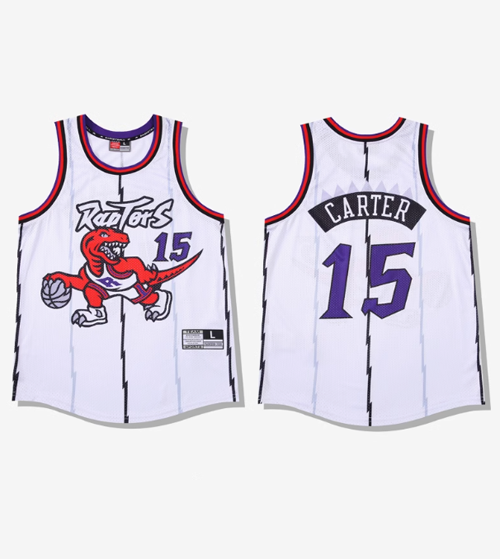
NA Jersey | LoongBuy spreadsheet | iTaoBuy spreadsheet | Fansbuy spreadsheet - 139027
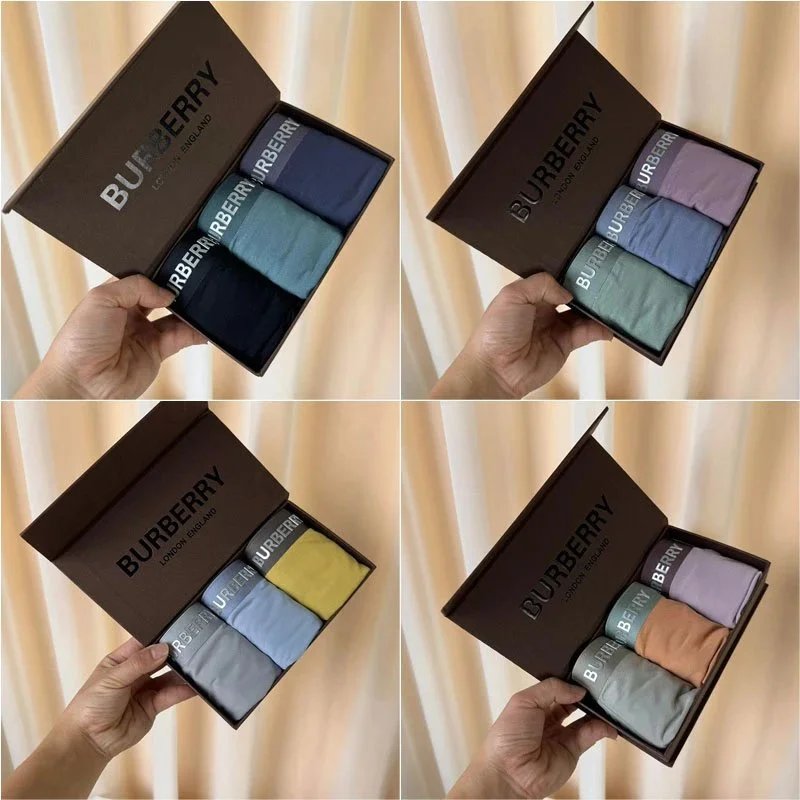
Bur*berry boxers | JoyaGoo spreadsheet | Sugargoo spreadsheet | iTaoBuy spreadsheet - 155593

L-001 Oversized T-Shirt - 166361

FG Unisex High-Top Indoor Football Boots - 1500 - 169162
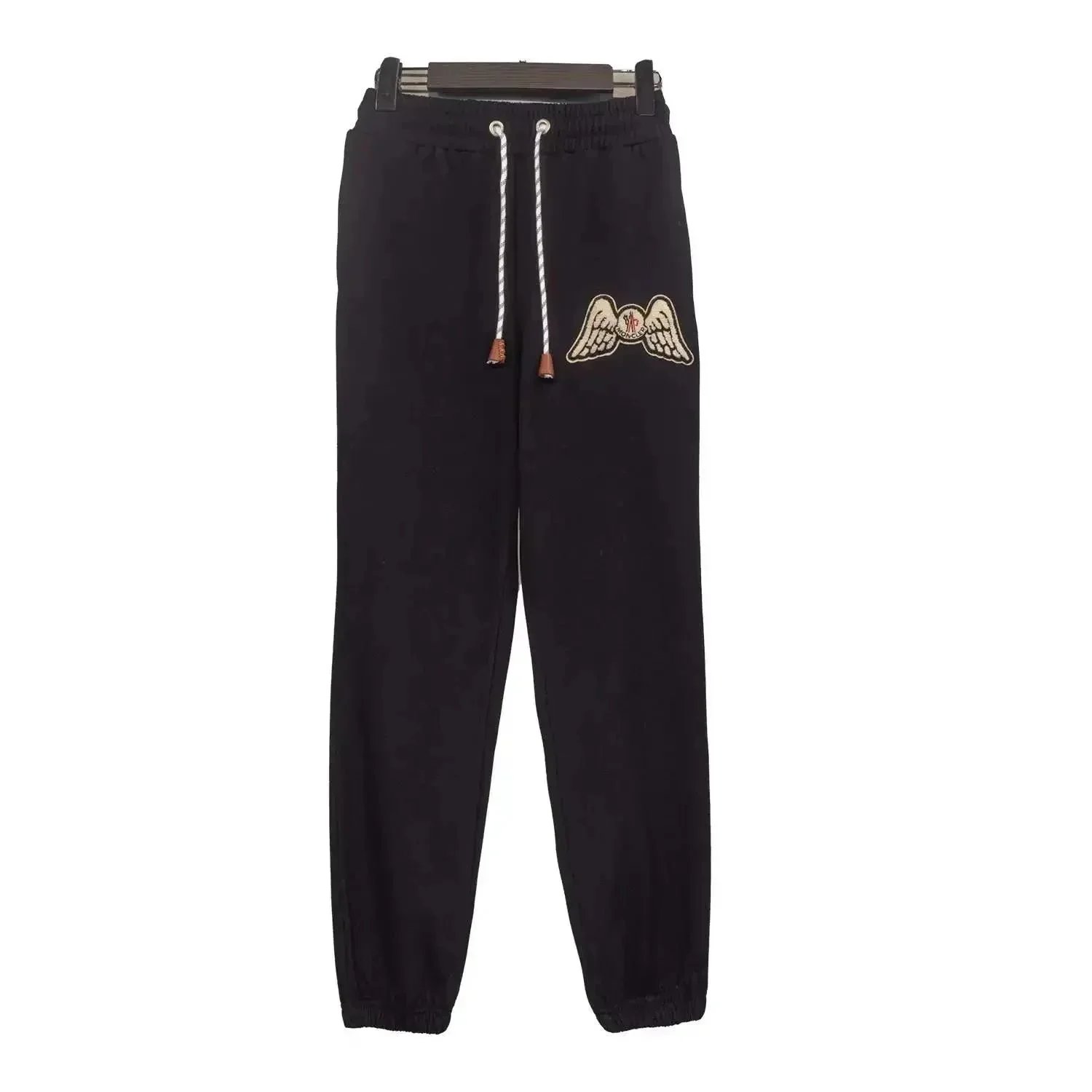
Casual Pants 2900 | Hubbuycn spreadsheet | Litbuy spreadsheet | Oopbuy spreadsheet - 137270

AMIRI Hoodie - Clothing - 168464