Cafans Journal
Stories & FindsHubBuy CAFANS Guide: A Complete 1000-Word Walkthrough
What Is CAFANS and Why HubBuy Matters
CAFANS is the shorthand many shoppers use for the combined workflow of checking, analyzing, filtering, and navigating selections before a purchase. This English CAFANS guide walks you through that workflow step by step, with HubBuy as the main platform reference. Whether you are a first-time buyer or a seasoned deal hunter, the goal is simple: reduce guesswork, compare accurately, and check out with confidence.
Throughout this guide you will see references to the HubBuy spreadsheet, the HubBuy guide, HubBuy product links, and the HubBuy shopping guide. These are not separate tools but parts of one connected system. Used together, they turn a messy browsing session into a structured decision.
Step 1: Start With the HubBuy Guide
Before you open a single listing, read the HubBuy guide. It explains platform rules, shipping expectations, return windows, and payment options. Think of it as the instruction manual for everything that follows. Skipping it is the most common beginner mistake.
As you read, keep a notebook or a simple text file open. Jot down the categories you care about, your budget ceiling, and any must-have features. This short list becomes your filter for the rest of the process and prevents impulse buying later.
Step 2: Build Your HubBuy Spreadsheet
The HubBuy spreadsheet is where the real work happens. Create columns for item name, category, listed price, shipping cost, seller rating, estimated delivery time, warranty, and a notes field. Add a final column for a simple score out of ten so you can rank options at a glance.
As you browse, copy each candidate into a new row. Do not trust memory; prices and stock change fast. A well-maintained HubBuy spreadsheet also helps you spot patterns, such as a seller who consistently charges high shipping or a category where discounts cluster around certain dates.
Pro tip: use conditional formatting to highlight rows where the total landed cost exceeds your budget. The visual cue keeps you honest.
Step 3: Collect HubBuy Product Links
Every shortlisted item should have its HubBuy product links saved in the spreadsheet. Paste the full URL next to the item name, and add a second link to the seller's storefront if one exists. This makes it easy to revisit a listing, confirm the current price, and check for updated reviews without searching again.
When sharing options with friends or family, HubBuy product links are also the cleanest way to get a second opinion. Send the link plus your spreadsheet row, and ask for a rating. Collective input often catches details you missed, like a vague warranty or a suspiciously low price.
Step 4: Follow the HubBuy Shopping Guide
The HubBuy shopping guide turns browsing into a repeatable routine. Its core advice: compare at least three sellers per item, read the most recent reviews rather than the top-rated ones, and check the return policy before checkout, not after. The guide also recommends verifying seller history and looking for consistent feedback patterns over time.
Apply the guide's checklist to every row in your spreadsheet. If an item fails two or more checks, mark it as rejected and move on. This discipline saves hours and reduces the risk of a disappointing purchase.
Step 5: Analyze, Filter, and Navigate
Now return to the spreadsheet and sort by your score column. The best options rise to the top. For each finalist, confirm three things: the total landed cost, the realistic delivery date, and the return window. If any of these fails your original criteria, drop the item.
This is the decision stage of the CAFANS workflow. It is also where the HubBuy guide and HubBuy shopping guide pay off, because you already know the platform rules and the seller expectations. You are not guessing; you are confirming.
Step 6: Check Out With Confidence
Before paying, re-open the saved HubBuy product links one last time to confirm price and availability. Prices can shift between browsing and checkout, and a quick refresh prevents surprises. Use the payment method recommended in the HubBuy guide, and keep the order confirmation in the same folder as your spreadsheet.
After delivery, update the spreadsheet with the actual arrival date and a short review. Over time, this personal record becomes more valuable than any generic rating system, because it reflects your real experience.
Common Mistakes to Avoid
First, do not skip the HubBuy guide; it answers most beginner questions. Second, do not rely on a single seller comparison; the HubBuy shopping guide exists precisely to push you toward multiple options. Third, do not let the spreadsheet grow too large. Ten to fifteen well-researched rows beat fifty half-checked ones. Finally, do not ignore shipping and taxes; the lowest sticker price is rarely the lowest total cost.
Final Thoughts
CAFANS is less about any single tool and more about a habit: check, analyze, filter, and navigate before you buy. With the HubBuy guide for rules, the HubBuy spreadsheet for tracking, HubBuy product links for quick revisits, and the HubBuy shopping guide for routine, you have a complete system. Start with one category, build a small spreadsheet, and let the process prove itself. Once it does, you will wonder how you ever shopped without it.
Editor's selection
Popular Products

Unisex Relaxed Distressed-Wash Letter-Print T-Shirt - 173139

Black Logo-Print Hoodie | Kakobuy spreadsheet | Litbuy spreadsheet | LoongBuy spreadsheet - 136187
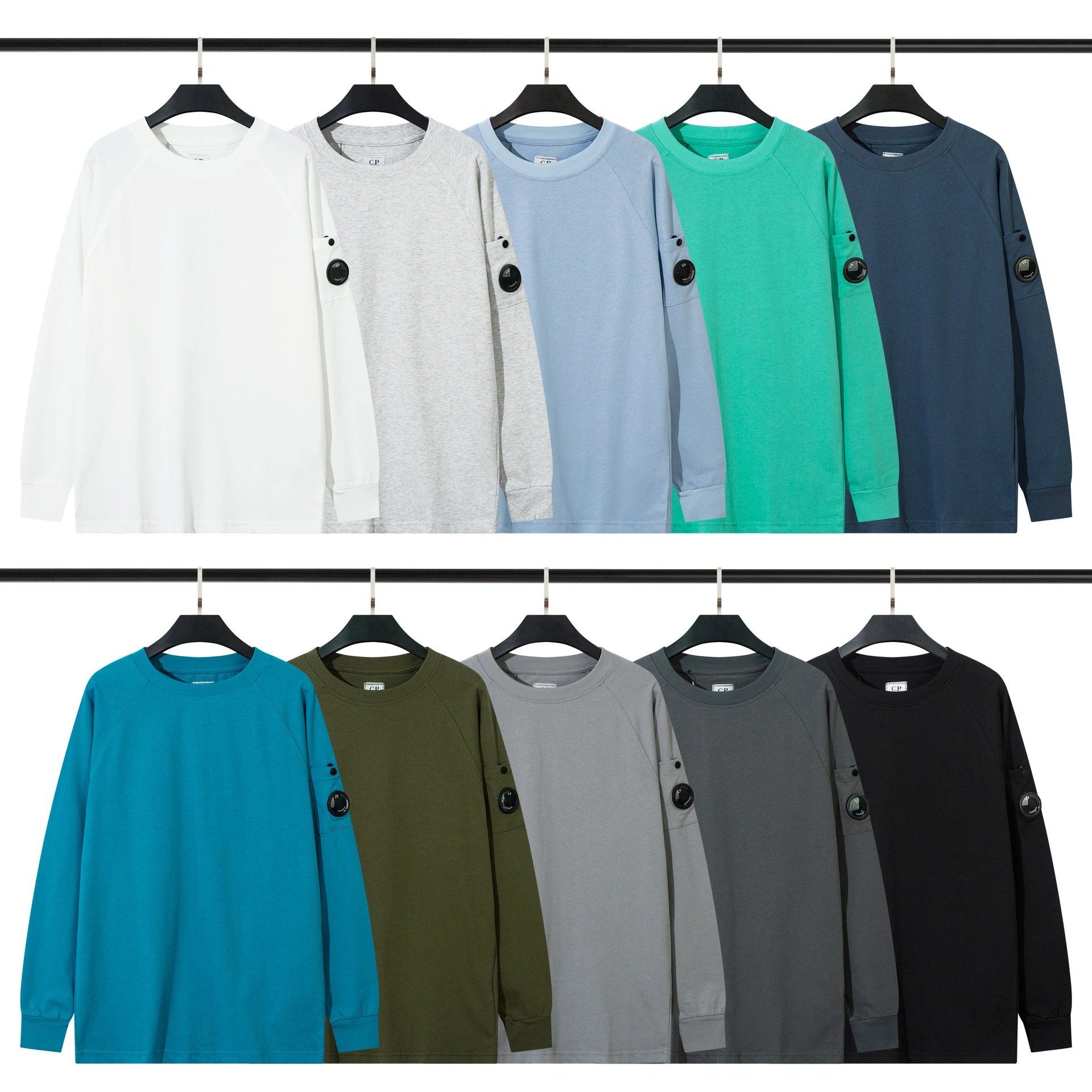
CP Company Hoodie | BBDBuy spreadsheet | CSSBuy spreadsheet | UIDBuy spreadsheet - 146655

AMI Paris T-Shirt | JoyaGoo spreadsheet | Kakobuy spreadsheet | BBDBuy spreadsheet - 143733

CorÓteiz Superior Hoodie | Hubbuycn spreadsheet | MyCNBox spreadsheet | Rizzitgo spreadsheet - 156632

XH12 Wristwatch - Timepiece - 160983

Autumn Winter Hooded Jacket | iTaoBuy spreadsheet | Litbuy spreadsheet - 139960