Cafans Journal
Stories & FindsCAFANS Guide: The PonyBuy Approach to Smarter Shopping
If you have spent any time in online shopping communities, you have probably run into the term CAFANS. This English CAFANS guide explains what it means, how it fits into the wider ecosystem of agent-based shopping, and why PonyBuy has become the go-to platform for thousands of buyers. Whether you are a first-time user or a seasoned veteran, this PonyBuy guide will walk you through everything from finding product links to tracking your parcel.
What Is CAFANS?
CAFANS is a community shorthand for the culture of finding, verifying, and sharing product links before placing an order. It covers the full loop: discovering an item, checking the seller's reputation, comparing prices across marketplaces, and finally submitting the link to an agent. The term has become a byword for careful, research-driven shopping. In practice, a CAFANS workflow relies on three tools: curated product links, a reliable spreadsheet, and a trustworthy agent. PonyBuy delivers all three.
Why PonyBuy Is the Center of the CAFANS Workflow
PonyBuy acts as your purchasing agent. You paste a product link, and PonyBuy buys the item on your behalf, handles domestic shipping, consolidates multiple parcels, and ships internationally. The platform supports major marketplaces and a huge range of categories, from sneakers and streetwear to electronics, home goods, and hobby supplies. Because the interface is available in English, the learning curve is short. Many users describe PonyBuy as the most beginner-friendly agent in the CAFANS community.
The PonyBuy Spreadsheet: Your Product Discovery Engine
A PonyBuy spreadsheet is a curated list of verified product links, usually organized by category, seller rating, and price. Instead of scrolling endlessly through marketplace search results, you open the spreadsheet, filter by category, and copy the link you want. The best spreadsheets are updated weekly and include QC (quality control) notes, size charts, and real buyer feedback. Using a spreadsheet saves time and reduces the risk of ordering from a low-rated seller. Always cross-check the seller's rating and recent reviews before you submit an order.
How to Use PonyBuy Product Links
PonyBuy product links are simply the URLs of items you want to purchase. The process is straightforward:
- Copy the product link from the marketplace or your spreadsheet.
- Paste it into the PonyBuy search bar or order form.
- Select the variant, size, and color.
- Confirm the price, domestic shipping fee, and any service charge.
- Pay and wait for the item to arrive at the warehouse.
Once the item reaches the warehouse, you can request QC photos. Review the photos carefully before approving international shipping. This step is the heart of the CAFANS method: verify before you ship.
The PonyBuy Shopping Guide: Step by Step
This PonyBuy shopping guide covers the complete journey from first click to final delivery.
Step 1: Create an Account
Register with your email address. Verify your account and set your shipping address. Add a payment method; most agents accept cards and popular digital wallets.
Step 2: Find Products
Browse the PonyBuy spreadsheet, community forums, or marketplace search. Save links you like. Compare at least three sellers for the same item before committing.
Step 3: Submit Your Order
Paste the link, choose your variant, and pay. The agent purchases the item from the seller and ships it to the warehouse.
Step 4: Quality Control
When the item arrives, warehouse staff photograph it. Check stitching, labels, sizing, and any defects. If something is wrong, you can request a return or exchange before international shipping.
Step 5: Consolidation and Shipping
Combine multiple items into one parcel to save on shipping. Choose a shipping line based on your budget and timeline. Declare the value honestly and track the parcel until it reaches your door.
Key Terms Every CAFANS Shopper Should Know
Familiarize yourself with these terms to navigate the community confidently: agent, warehouse, consolidation, QC photos, rehearsal packaging, volumetric weight, customs declaration, service fee, domestic shipping, international line, tracking number, haul, spreadsheet, product link, seller rating, batch, variant, size chart, restock, dead link, budget line, tax-free line, parcel, weight limit, insurance, refund, exchange, coupon, and community review. Understanding these concepts will make every order smoother.
Common Mistakes to Avoid
New buyers often skip QC photos, underestimate shipping costs, or order from sellers with no reviews. Others forget that volumetric weight can exceed actual weight, which raises shipping fees. Always request rehearsal packaging for bulky items, and never ship without confirming the item's condition. Finally, keep your spreadsheet updated; dead links and out-of-stock items waste time.
Final Thoughts
CAFANS is about shopping with intention. You research, you verify, and you ship with confidence. PonyBuy provides the infrastructure, the PonyBuy spreadsheet provides the discovery, and this PonyBuy guide provides the roadmap. Use PonyBuy product links wisely, follow the PonyBuy shopping guide, and your next haul will be your best one yet.
Editor's selection
Popular Products

Sneakers B22 B30 Unisex Classic Sneakers | UIDBuy spreadsheet | BBDBuy spreadsheet - 135717

Outdoor Casual Sneakers | Hipobuy spreadsheet | OOTDBuy spreadsheet | JoyaGoo spreadsheet - 141223

Sneakers 04 Classic Sneakers | LoongBuy spreadsheet | JoyaGoo spreadsheet | USFans spreadsheet - 135678

Sneakers P-0100 Unisex Sneakers | Kakobuy spreadsheet | BBDBuy spreadsheet | MyCNBox spreadsheet - 136114

Sneakers 2025 Skate Sneakers | MyCNBox spreadsheet | iTaoBuy spreadsheet | USFans spreadsheet - 135965

Sneakers BY03-CY Unisex Chunky Sneakers | Wheebuy spreadsheet | Lovegobuy spreadsheet - 141219
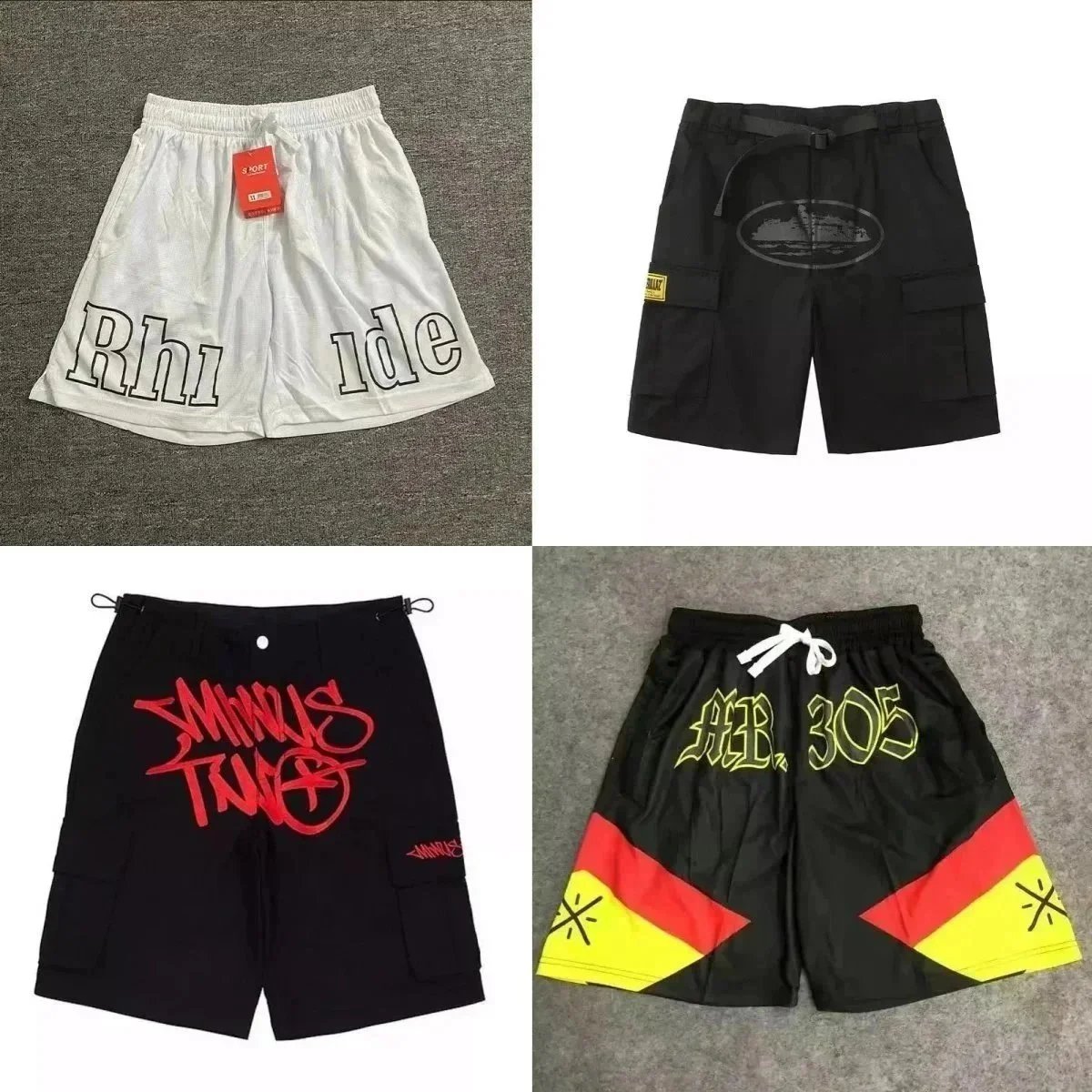
Shorts OJ02 Streetwear Shorts | Hubbuycn spreadsheet | OOTDBuy spreadsheet | JoyaGoo spreadsheet - 136331
