Cafans Journal
Stories & FindsCAFANS Guide: Your Complete FishBuy Shopping Resource
Welcome to the definitive English CAFANS guide — a practical, plain-language walkthrough built around FishBuy, the shopping platform many readers ask about. Whether you are a first-time visitor or a returning shopper, this guide explains how the platform works, how to plan a purchase, and how to use supporting tools such as the FishBuy spreadsheet and FishBuy product links to stay organized. Read on for a structured FishBuy guide and a reliable FishBuy shopping guide you can return to before every order.
What Is FishBuy?
FishBuy is an online shopping destination where buyers browse listings, compare prices, and place orders through a structured catalog. In this CAFANS guide, we treat FishBuy as a general marketplace: you search for an item, review the listing details, check seller information, confirm shipping options, and complete checkout. The platform experience depends heavily on preparation, which is why a written FishBuy guide matters. Instead of clicking randomly, you follow a repeatable process: define your need, shortlist candidates, verify details, and track delivery.
Newcomers often ask whether they need special software. In most cases, no — a standard browser and a payment method are enough. What improves outcomes is documentation, which is where the FishBuy spreadsheet becomes valuable.
Why Use a FishBuy Spreadsheet?
A FishBuy spreadsheet is a simple tracking sheet where you log every candidate item before buying. Typical columns include item name, listing URL, unit price, shipping cost, estimated delivery time, seller rating, size or variant, and a notes field. This single habit reduces duplicate orders, forgotten coupons, and impulse purchases.
Build your sheet in three tabs. Tab one: wishlist. Paste candidate FishBuy product links here with a short description so you can reopen them later. Tab two: comparison. Score each item on price, quality signals, and return policy. Tab three: orders. Record order numbers, tracking codes, and expected arrival dates. When a parcel arrives, mark it received and note whether the item matched the listing. Over time, this log becomes a personal FishBuy shopping guide tailored to your taste and budget.
How to Use FishBuy Product Links
FishBuy product links are the backbone of any organized purchase. A product link points to a specific listing, and saving it prevents you from losing a good find in a long browsing session. Copy the link into your spreadsheet, then add a short label such as "winter jacket — size M — seller A."
Before buying, reopen each link and re-check four things: price changes, stock status, variant availability, and shipping estimates. Prices on marketplaces move, and a link you saved last week may now show a discount or a sold-out variant. Cross-checking links against your sheet is the fastest way to catch these changes. If a link no longer works, note it as expired rather than deleting the row — the history helps you avoid repeating mistakes.
Step-by-Step FishBuy Shopping Guide
- Define the need. Write one sentence describing what you want and your budget ceiling. This anchors every later decision.
- Search and shortlist. Use clear search terms, then save five to ten candidate links in your spreadsheet.
- Compare listings. Review photos, specifications, seller ratings, review counts, and return windows. Prefer listings with detailed descriptions over vague ones.
- Check shipping and fees. Confirm delivery time, shipping cost, and any taxes. Add these to your comparison tab.
- Verify the seller. Look at feedback history, response time, and how long the seller has been active.
- Place the order. Use a secure payment method, screenshot the confirmation, and log the order number in your sheet.
- Track and inspect. Monitor tracking updates, inspect the item on arrival, and report problems within the return window.
Following these steps turns a chaotic browsing session into a controlled process — the core promise of this CAFANS guide.
Common Mistakes to Avoid
First, buying on impulse without comparing alternatives. Second, ignoring shipping costs until checkout. Third, trusting a single photo instead of reading the full description. Fourth, losing track of links and accidentally ordering duplicates. Fifth, missing the return window because the order was never logged. Each mistake is preventable with a spreadsheet and a short pre-purchase checklist.
Another frequent issue is unclear sizing or specifications. When a listing is ambiguous, contact the seller before paying. A quick question about dimensions, materials, or compatibility saves weeks of returns.
Budgeting and Timing
Set a monthly shopping budget and record it in your spreadsheet. Compare planned spending with actual spending at month end. For timing, watch for seasonal promotions and coupon periods, but avoid buying something you do not need simply because a discount appears. A disciplined FishBuy shopping guide treats discounts as optional savings, not as reasons to purchase.
Final Checklist Before Checkout
- Item matches your written need and budget.
- Product link saved and re-verified today.
- Shipping cost and delivery date confirmed.
- Seller rating and return policy reviewed.
- Order number and tracking logged in the spreadsheet.
This English CAFANS guide is designed to be reused. Bookmark it, keep your FishBuy spreadsheet open while you browse, and treat FishBuy product links as receipts of your research. With a clear FishBuy guide process and a consistent FishBuy shopping guide habit, FishBuy becomes far easier to navigate and far less risky to use.
Editor's selection
Popular Products
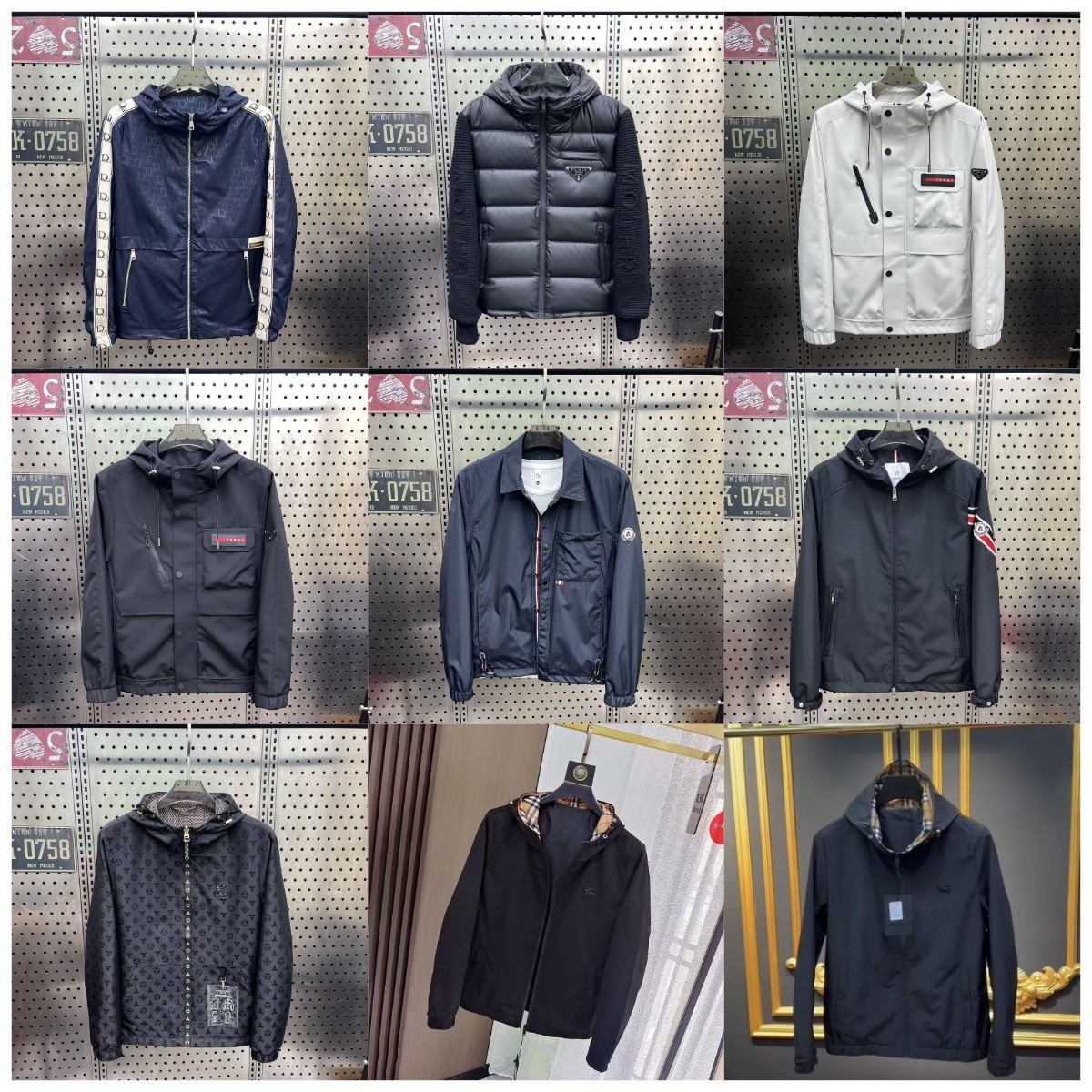
Jacket OO01 Autumn/Winter Jacket | MyCNBox spreadsheet | BBDBuy spreadsheet | USFans spreadsheet - 138079
Jacket LM01 Autumn/Winter Jacket | Sugargoo spreadsheet | LoongBuy spreadsheet - 137422
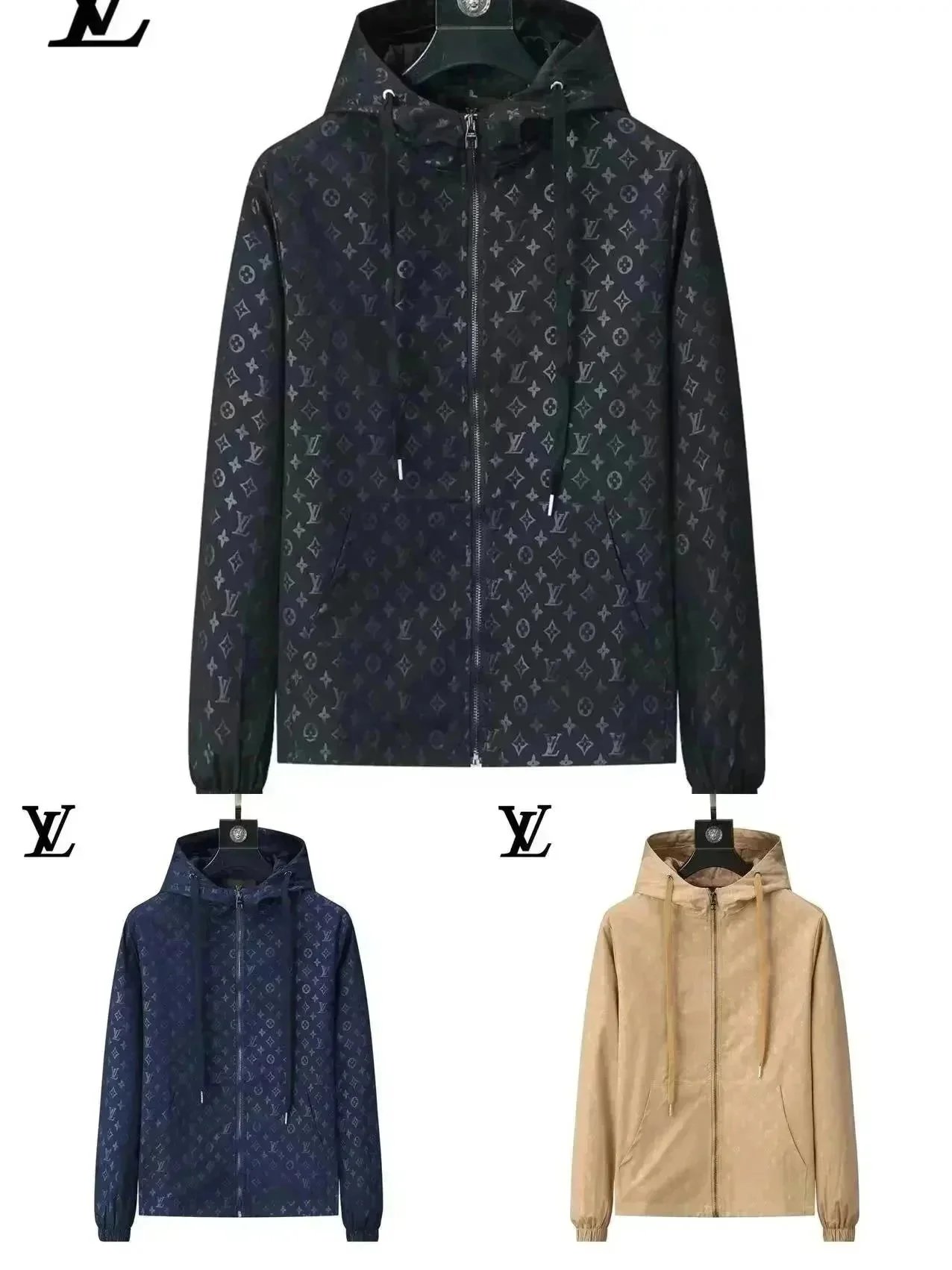
Jacket WT08 Autumn/Winter Jacket | Fansbuy spreadsheet | UIDBuy spreadsheet | BBDBuy spreadsheet - 138782
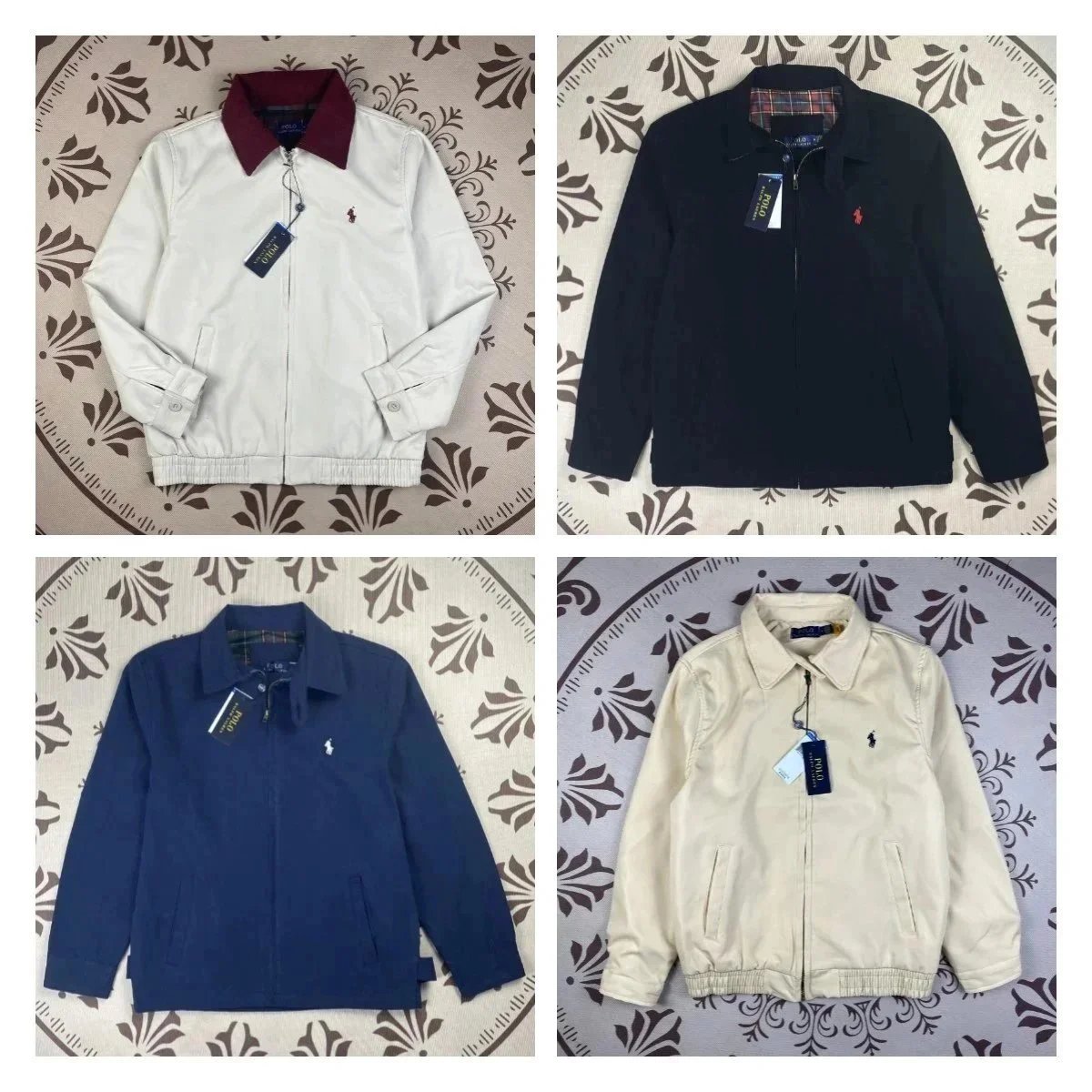
Autumn/Winter Jacket dq | UIDBuy spreadsheet | iTaoBuy spreadsheet | LoongBuy spreadsheet - 138784

Winter Winter Jacket | USFans spreadsheet | Rizzitgo spreadsheet | LoongBuy spreadsheet - 157130
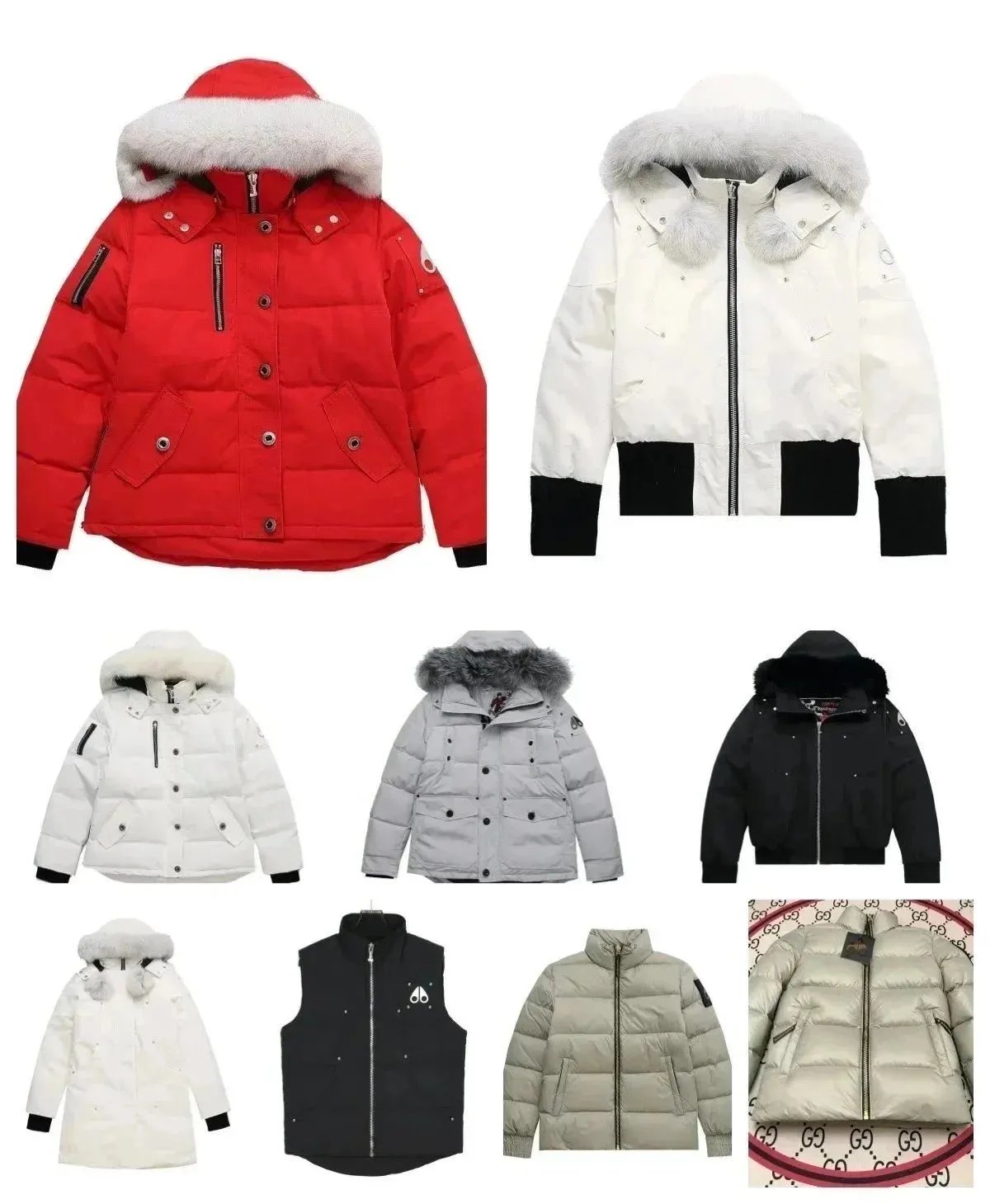
Winter Winter Jacket - FF01 | CNShopper spreadsheet | Rizzitgo spreadsheet | Oopbuy spreadsheet - 157249

Winter Winter Jacket - XXS888 | BBDBuy spreadsheet | Kakobuy spreadsheet - 157067