Cafans Journal
Stories & FindsOopbuy Guide for English-Speaking Shoppers: Using the Oopbuy Spreadsheet, Product Links, and Shopping Guide
Oopbuy Guide for English-Speaking Shoppers
If you have spent any time browsing agent-shopping communities, you have probably run into Oopbuy. This CAFANS guide explains how the platform works, how to use an Oopbuy spreadsheet, where to find reliable Oopbuy product links, and how to get the most from an Oopbuy shopping guide approach. The aim is simple: help English-speaking buyers shop smarter, avoid common mistakes, and understand the workflow before spending money.
What Is Oopbuy?
Oopbuy is a shopping agent service. Instead of buying directly from sellers on marketplaces that may not ship internationally, you use the agent as a middleman. You submit a product link, the agent purchases the item on your behalf, receives it at a warehouse, and then forwards it to your address. The service handles domestic delivery, quality-control photos, storage, and international shipping. For many buyers, this solves the classic problem of sellers who only ship within one country.
The platform sits alongside other well-known agents, and experienced users often compare fees, exchange rates, shipping lines, and customer support. Oopbuy's appeal tends to be its straightforward interface, warehouse inspection process, and the way its community shares curated finds.
How the Oopbuy Workflow Works
Understanding the flow removes most of the confusion. First, you find a product link from a supported marketplace. Second, you paste that link into the Oopbuy order form. Third, you pay for the item plus any domestic shipping and service fee. Fourth, the warehouse receives the parcel and usually provides QC (quality control) photos. Fifth, you request consolidation or direct forwarding and pay international shipping. Finally, the parcel ships to your address with a tracking number.
Each stage matters. A cheap item with poor QC photos can cost more in the long run. A consolidated parcel can save money, but only if you understand volumetric weight. Reading an Oopbuy guide before your first order helps you avoid surprise charges.
The Oopbuy Spreadsheet Explained
An Oopbuy spreadsheet is a community-maintained document that lists product finds, usually organized by category, seller, price, and sometimes QC notes or weight estimates. These spreadsheets are popular because they save time. Instead of scrolling through endless listings, you open a sheet, filter by category or budget, and copy a link directly into your order form.
Good spreadsheets include columns for item name, category, approximate price, seller rating, available sizes or colors, and a notes field. Some include weight so you can estimate shipping before ordering. Treat any spreadsheet as a starting point, not gospel. Prices change, links expire, and sellers update listings. Always verify the current price and specifications on the marketplace page before submitting an order.
Community spreadsheets also reflect trends. When a particular jacket, sneaker, or accessory becomes popular, it appears in multiple sheets within days. This is useful for discovery but can create hype. Check reviews, request extra QC photos if needed, and compare similar items before committing.
Finding Oopbuy Product Links
Reliable Oopbuy product links are the backbone of a smooth order. A valid link should point to the exact item, including the correct variant (size, color, model). When copying links, avoid shortened URLs that may redirect to a different listing. Prefer the full product URL from the marketplace.
Where do people find links? Community forums, social media groups, curated spreadsheets, and creator roundups are common sources. Always cross-check the link against the seller's store page. Look at the seller's history, return policy, and buyer photos. If a link leads to a listing with vague descriptions or no reviews, proceed carefully.
It also helps to save links in a personal document with notes about size, color, and price. When you are ready to order, you can paste them into Oopbuy one by one without re-searching. This habit alone saves hours over a season of shopping.
Building Your Own Oopbuy Shopping Guide
The best Oopbuy shopping guide is the one you write for yourself. Start with a budget, then list categories you actually need. Use a spreadsheet to track candidate items, links, prices, and shipping estimates. Add a column for priority so you can decide what goes into the first parcel and what waits for consolidation.
Next, learn the fee structure. Service fees, domestic shipping, inspection fees, consolidation fees, and international shipping all add up. A shopping guide should include a simple calculation: item price plus domestic shipping plus service fee plus estimated international shipping equals the real landed cost. Compare that number across agents before ordering.
Shipping line selection is another key chapter. Different lines have different weight limits, restrictions, delivery times, and tracking quality. If you are shipping batteries, liquids, or branded goods, check restrictions first. Choosing the wrong line can cause delays or returns.
Quality Control and Warehouse Tips
QC photos are your safety net. Inspect them closely for stitching, logos, measurements, and defects. If something looks wrong, ask for additional photos before approving international shipping. Most agents allow returns or exchanges within a short window after warehouse receipt, so act quickly.
Storage time matters too. Free storage is usually limited. If you are waiting for multiple items to consolidate, track arrival dates and request consolidation before free storage expires. Label each parcel mentally by category so you can plan what ships together.
Common Mistakes to Avoid
First, ordering from links without checking the variant. Second, ignoring volumetric weight on bulky items. Third, skipping QC review. Fourth, underestimating customs and import rules in your country. Fifth, assuming a spreadsheet price is current. Sixth, consolidating too many restricted items into one parcel. Seventh, forgetting to keep tracking numbers in one place.
Each mistake is avoidable with a checklist. Create a simple pre-order checklist: valid link, correct variant, seller rating checked, price verified, shipping estimate calculated, restrictions reviewed. Run through it every time.
Final Thoughts
Oopbuy can be a practical option for international shoppers who want access to marketplace items with warehouse inspection and consolidation. The keys are preparation and verification. Use an Oopbuy spreadsheet for discovery, confirm Oopbuy product links before ordering, follow a personal Oopbuy shopping guide, and read a solid Oopbuy guide before your first parcel. With a little discipline, the process becomes routine, and you can focus on finding good products rather than fighting the logistics.
Editor's selection
Popular Products

Outdoor Casual Sneakers | Hipobuy spreadsheet | OOTDBuy spreadsheet | JoyaGoo spreadsheet - 141223

Sneakers B22 B30 Unisex Classic Sneakers | UIDBuy spreadsheet | BBDBuy spreadsheet - 135717

Sneakers 04 Classic Sneakers | LoongBuy spreadsheet | JoyaGoo spreadsheet | USFans spreadsheet - 135678
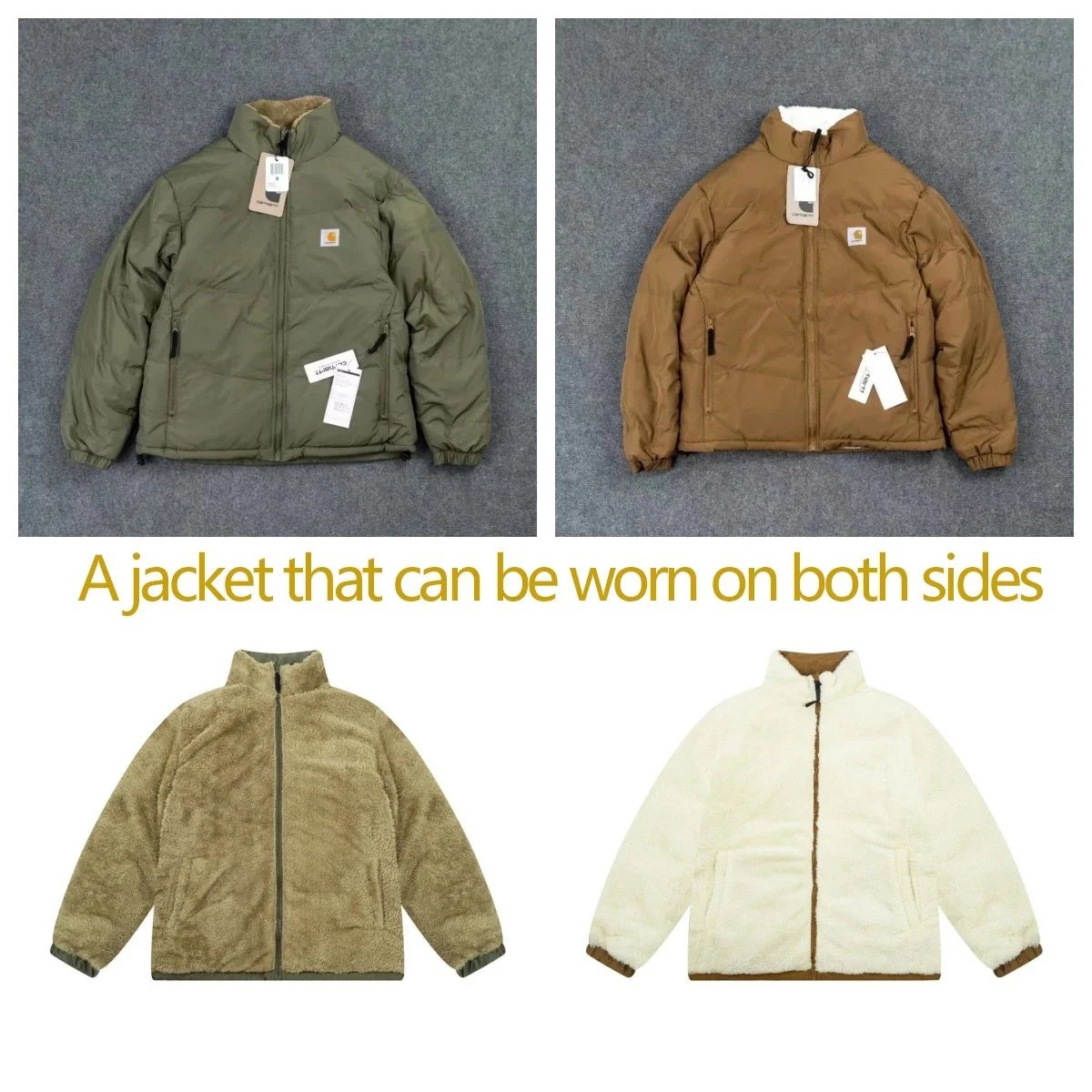
Classic Comfortable Fleece Jacket | Kakobuy spreadsheet | USFans spreadsheet - 141079

Sneakers P-0100 Unisex Sneakers | Kakobuy spreadsheet | BBDBuy spreadsheet | MyCNBox spreadsheet - 136114
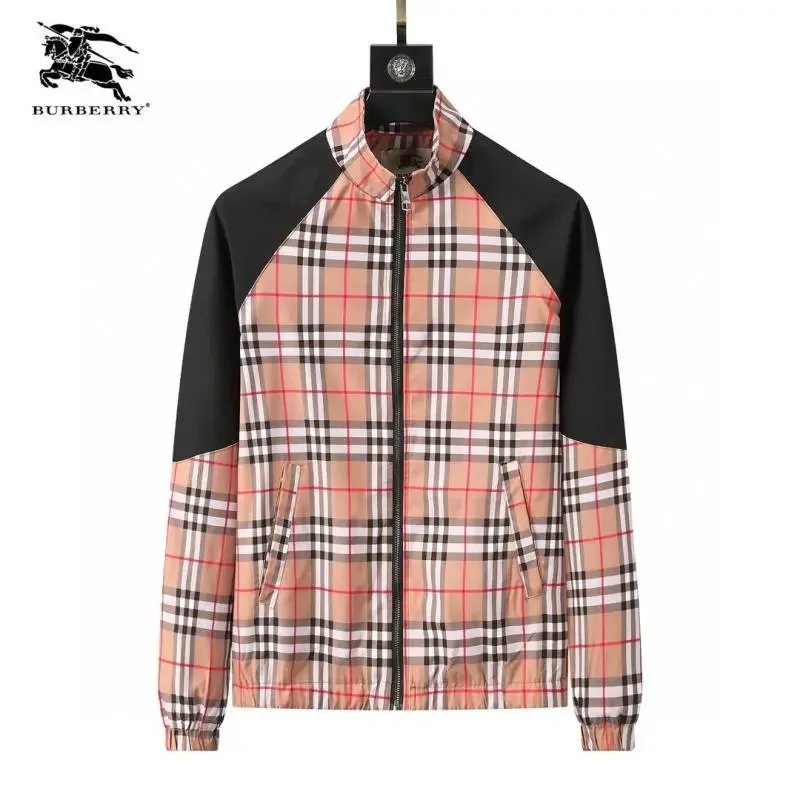
Jacket | MyCNBox spreadsheet | OOTDBuy spreadsheet | GTBuy spreadsheet - 141078
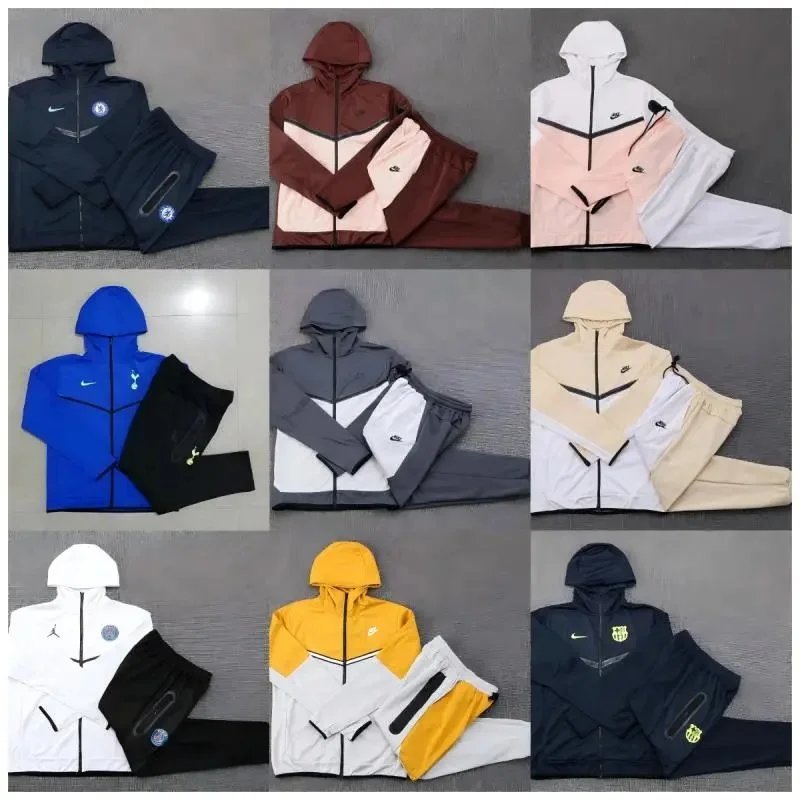
Cl Lightweight Football Training Jacket | MyCNBox spreadsheet | Rizzitgo spreadsheet - 141088