Cafans Journal
Stories & FindsThe Complete English CAFANS Guide: Mastering JoyaGoo for Smarter Shopping
The Complete English CAFANS Guide to JoyaGoo
Welcome to the English CAFANS guide — a practical, jargon-free walkthrough of JoyaGoo, the shopping companion that helps you compare products, organize finds, and buy with confidence. Whether you are a first-time visitor or a seasoned deal hunter, this JoyaGoo guide covers everything from setting up your account to building a personal JoyaGoo spreadsheet that keeps your budget on track. We will also explain how JoyaGoo product links work, how to use the JoyaGoo shopping guide for category-by-category decisions, and the habits that separate smart shoppers from impulsive ones.
What Is JoyaGoo?
JoyaGoo is a shopping research platform. It aggregates listings, surfaces price history, and lets you save items into collections. Think of it as a workspace where product discovery meets planning. Instead of juggling dozens of browser tabs, you keep everything in one dashboard. The platform is especially useful for cross-border shoppers who need to compare sellers, check shipping estimates, and verify seller ratings before committing.
The core idea is simple: research first, buy second. JoyaGoo gives you the tools to do that research without friction.
Getting Started: A Step-by-Step JoyaGoo Guide
- Create your account. Sign up with an email address, verify it, and complete your profile. Add your shipping region so prices and delivery windows are accurate.
- Set your preferences. Choose currency, language, and notification settings. If you shop for a family, create separate wishlists for different people.
- Install the browser extension (optional). The extension lets you clip products from partner sites directly into your JoyaGoo dashboard.
- Build your first collection. Name it something useful, like “Desk Setup” or “Holiday Gifts,” and start adding items.
- Track prices. Enable price alerts on items you are watching. You will be notified when a listing drops below your target.
- Review before checkout. Use the comparison view to check seller ratings, return policies, and total landed cost.
Using a JoyaGoo Spreadsheet for Budget Control
A JoyaGoo spreadsheet is the backbone of disciplined shopping. You can export your saved collections to a spreadsheet, or build your own template with columns for item name, category, target price, current price, seller rating, shipping cost, and priority. Update it weekly. The act of writing numbers down forces you to confront whether you actually need the item.
A good spreadsheet includes a “cooling-off” column: the date you added the item. If it has been sitting there for 30 days and you still want it, the purchase is probably justified. If not, delete the row. This single habit saves more money than any coupon code.
Understanding JoyaGoo Product Links
JoyaGoo product links are shareable URLs that point to a specific listing inside the platform. They are useful for three reasons:
- Collaboration: Send a link to a friend or partner so they can review the exact item, price, and seller you are considering.
- Traceability: Links preserve the listing details at the time you saved them, which helps if a seller changes the price or description later.
- Organization: Paste links into your spreadsheet or notes app to keep your research tidy.
When sharing product links, always mention the date you captured them, since prices fluctuate.
The JoyaGoo Shopping Guide: Category by Category
Different categories demand different research. Here is how to approach common ones.
Electronics and Accessories
Check warranty terms, regional compatibility (voltage, plug type), and whether the seller is an authorized retailer. Look for listings with detailed specifications rather than vague descriptions. Compare charger wattage, cable length, and connector standards before buying.
Home and Kitchen
Prioritize dimensions and material specifications. A storage basket that looks large online may be smaller in person. Read reviews that mention durability after months of use, not just unboxing impressions.
Fashion and Apparel
Sizing varies wildly between sellers. Use the size chart, not the label. Check return policies carefully — cross-border returns are often expensive, so buy from sellers with local warehouses when possible.
Beauty and Personal Care
Verify ingredient lists and expiration dates. Avoid listings without clear manufacturer information. For skincare, patch-test new products regardless of reviews.
Sports and Outdoors
Weight and packability matter more than aesthetics. Check load ratings on bags and resistance levels on fitness equipment. Seasonal price swings are common, so set alerts rather than buying at peak season.
Toys and Hobbies
Confirm age recommendations and safety certifications. For hobby items like model kits or craft supplies, check whether replacement parts are available before committing to a kit.
Ten Habits of Effective JoyaGoo Users
- Always compare at least three sellers before buying.
- Read the one-star and three-star reviews first.
- Calculate landed cost, including shipping and duties.
- Use price history to identify fake discounts.
- Keep a running spreadsheet rather than relying on memory.
- Set a monthly budget and stick to it.
- Save items for 30 days before non-essential purchases.
- Verify seller responsiveness by asking a question before ordering.
- Check return windows and who pays return shipping.
- Archive completed purchases so your dashboard stays clean.
Common Mistakes to Avoid
Impulse buying during flash sales is the biggest trap. So is trusting a single review, positive or negative. Another common error is ignoring currency conversion fees; your bank may add a markup. Finally, do not share personal or payment details outside the platform's official checkout flow.
Frequently Asked Questions
Is JoyaGoo free to use? The core research and organization features are free; premium features may vary by region.
Can I use JoyaGoo on mobile? Yes, the dashboard is responsive, and saved collections sync across devices.
How often are prices updated? Frequency depends on the seller feed, but most listings refresh daily.
Can I export my data? Yes, collections can be exported for use in a spreadsheet.
Final Thoughts
The English CAFANS approach is about patience and structure. Use JoyaGoo to research, a JoyaGoo spreadsheet to plan, JoyaGoo product links to collaborate, and the JoyaGoo shopping guide to navigate each category with confidence. Do that, and every purchase becomes a deliberate choice rather than a reaction.
Editor's selection
Popular Products
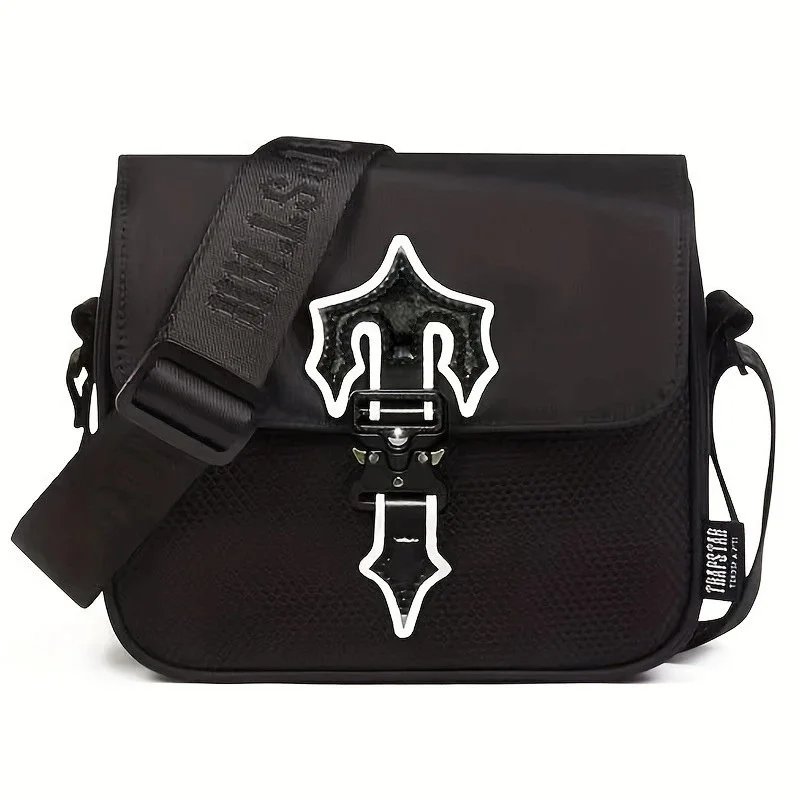
Trpstar Bags | LoongBuy spreadsheet | OOTDBuy spreadsheet | BBDBuy spreadsheet - 136524
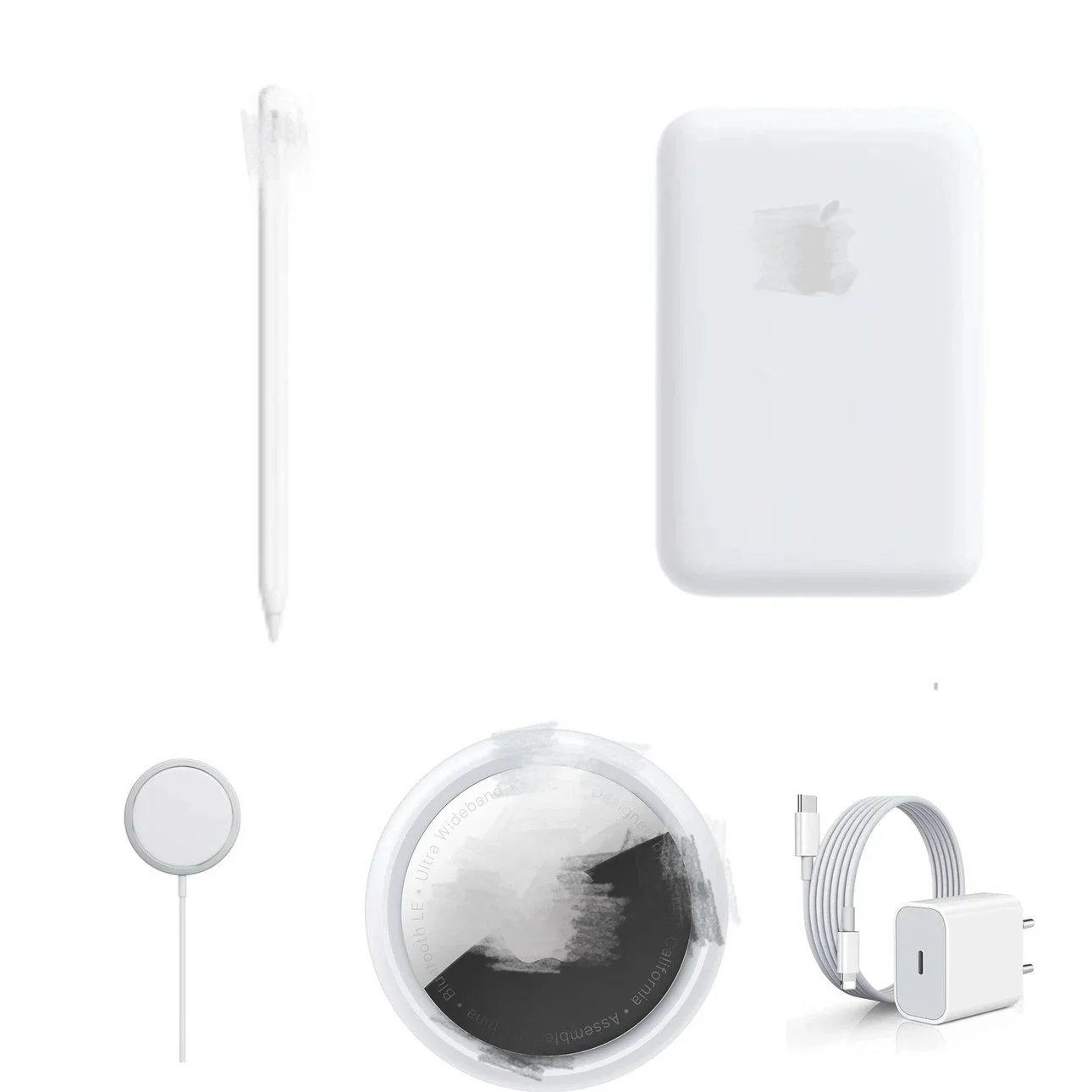
AP Charging and Electronics Accessories Selection | Fishgoo spreadsheet | Sugargoo spreadsheet - 149985
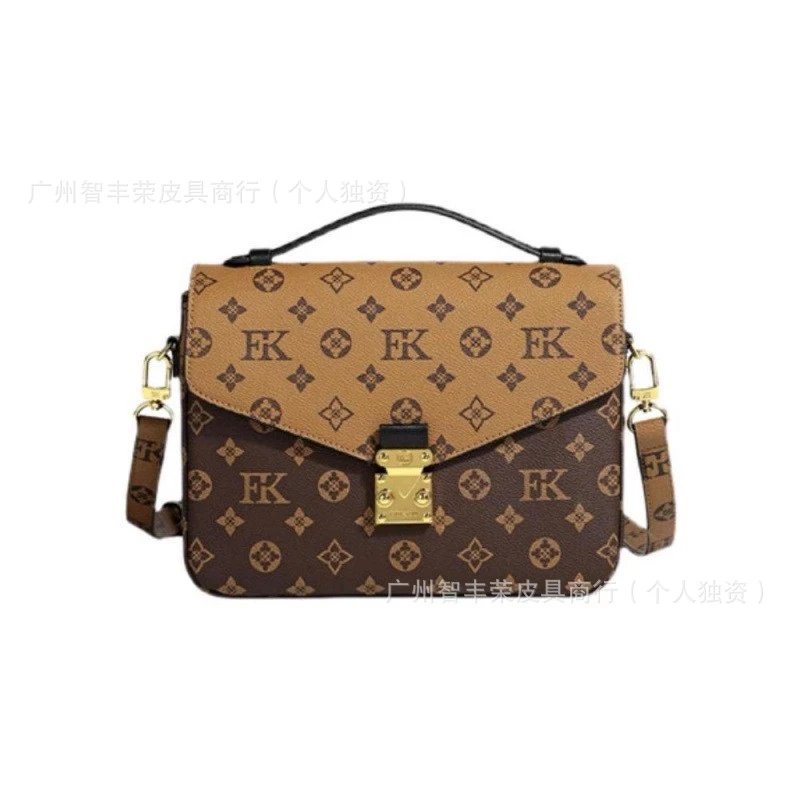
Women's Monogram Shoulder and Crossbody Bags | BBDBuy spreadsheet | Superbuy spreadsheet - 142280
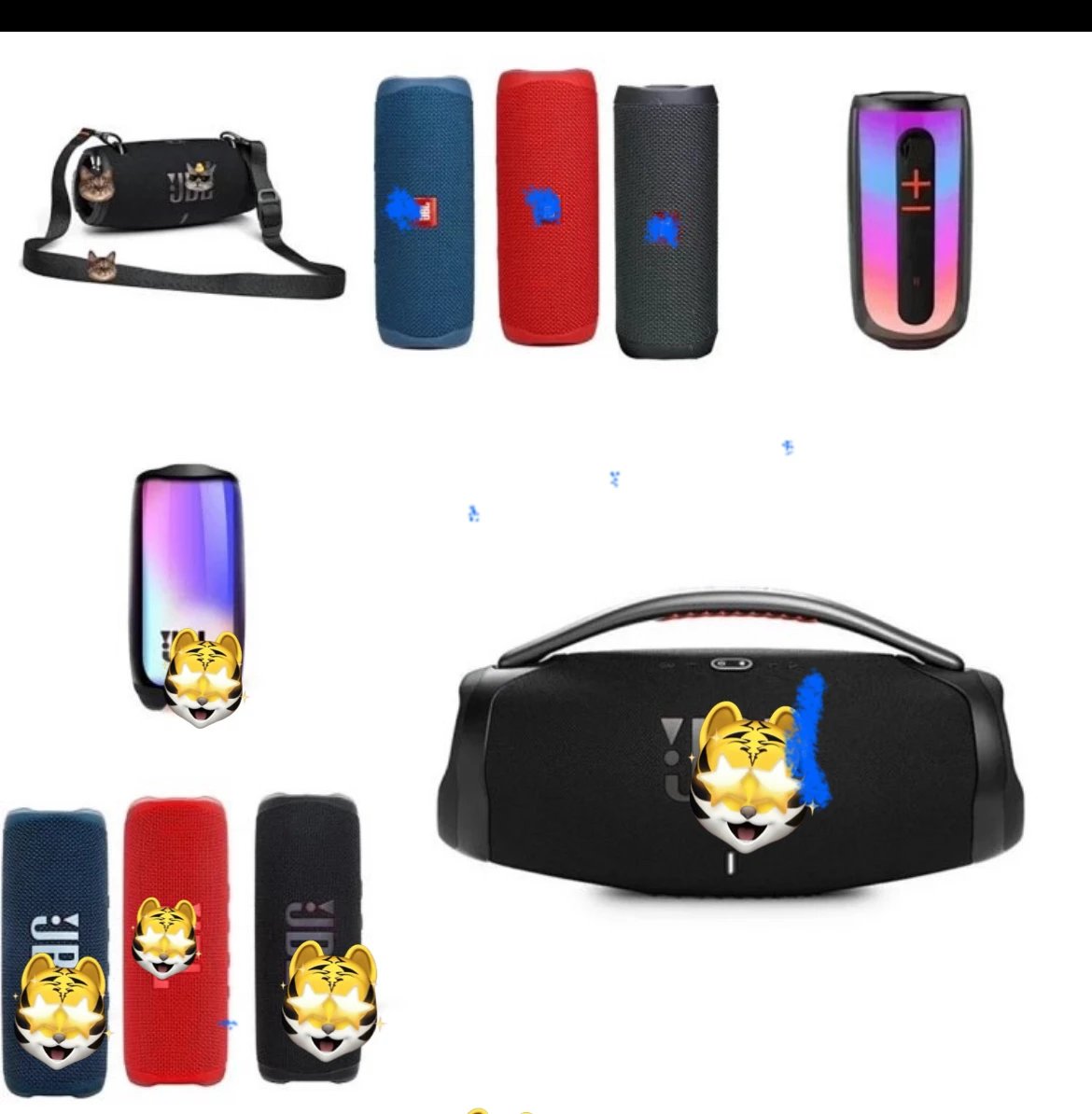
Portable Speaker Collection with Carrying Bags | JoyaGoo spreadsheet | LoongBuy spreadsheet - 141259

bags | Kakobuy spreadsheet | Wheebuy spreadsheet | CNShopper spreadsheet - 156482

Trendy and stylish with classic bags | Fishgoo spreadsheet | Sugargoo spreadsheet - 154635

100uis Men's Bags/Messenger Bag | Hipobuy spreadsheet | iTaoBuy spreadsheet | MyCNBox spreadsheet - 152658