Cafans Journal
Stories & FindsCAFANS Guide: Using ZentBuy Spreadsheet, ZentBuy Guide and Product Links for Smarter Shopping
If you have been searching for an English CAFANS guide, you are probably trying to figure out how the CAFANS ecosystem fits together with a shopping agent workflow. The short answer is that CAFANS-related finds, agent platforms, and community resources work best when you combine them with a structured tool such as ZentBuy. This guide explains practical ways to use the ZentBuy spreadsheet, follow a reliable ZentBuy guide, evaluate ZentBuy product links, and apply a repeatable ZentBuy shopping guide so you can shop overseas with fewer surprises.
What CAFANS Means in a Shopping Context
CAFANS is best understood as a community-driven discovery layer: people share finds, reviews, and buying tips, often across social platforms and messaging groups. The challenge is that community posts are scattered, links expire, and prices change. That is where ZentBuy becomes useful. Instead of saving random screenshots, you consolidate links, product variants, sizes, colors, and notes in one place. Think of CAFANS as the inspiration and ZentBuy as the organization and purchasing layer.
Start With the ZentBuy Spreadsheet
The ZentBuy spreadsheet is the backbone of an efficient haul. A good sheet should include columns for item name, category, product link, size chart reference, color or variant, estimated weight, unit price, quantity, QC notes, and status. Use the spreadsheet to compare sellers and spot duplicate items before checkout. Add a column for shipping method assumptions, because consolidation savings depend on parcel weight and volume. Keep a separate tab for wishlist items so your active order stays clean. If you shop in groups, share the sheet and use comments instead of chat messages, which keeps decisions traceable.
Follow a Repeatable ZentBuy Guide
A practical ZentBuy guide should cover five stages: discovery, verification, ordering, quality control, and shipping. In discovery, collect candidate links from CAFANS communities and other finder groups. In verification, confirm the seller rating, return policy, and whether the listing has real buyer photos. During ordering, double-check variant selection, because a wrong size or color is the most common avoidable error. At quality control, request detailed photos and measurements, especially for footwear and outerwear. Finally, choose a shipping line that matches your budget and timeline, and remember that volumetric weight can outweigh actual weight for bulky items.
Evaluate ZentBuy Product Links Carefully
ZentBuy product links are only as good as the listing behind them. Open each link in a fresh browser session and check whether the price shown matches the price in your sheet. Look for the seller's recent reviews, the number of completed orders, and any negative feedback about sizing or defects. Save a screenshot of the listing at the time of ordering so you have evidence if the item changes. If a link is dead, search the product title plus a distinctive detail, such as a print or material, to find an equivalent listing. Never assume two links with similar photos are the same factory; compare stitching, tags, and measurement charts.
Build a ZentBuy Shopping Guide for Your Budget
Your personal ZentBuy shopping guide should define a budget ceiling, a target haul size, and a maximum acceptable shipping cost per kilogram. Set a rule for impulse buys, such as waiting 48 hours before adding an item to the active order. Group items by category so you can compare quality across sellers. Track the total landed cost, not just the item price, because agent fees, domestic shipping, international freight, and possible taxes all affect the final number. If you buy fragile goods, budget for protective packaging. If you buy electronics, confirm plug type and voltage before ordering.
Practical Tips for Beginners
Start with a small test order to learn the platform flow. Use the spreadsheet to log every tracking number and QC deadline. Communicate clearly with the agent, and ask for measurements rather than relying on labels. Keep original packaging photos until the parcel arrives. When a problem occurs, reference your sheet entries and screenshots; this makes disputes faster and more factual.
Related Terms to Know
As you build your workflow, you will encounter related terms such as shopping agent, consolidation, parcel weight, volumetric weight, QC photos, warehouse receipt, domestic shipping, international shipping, customs declaration, declared value, agent fee, service fee, exchange rate, payment method, order status, tracking number, variant, size chart, seller rating, buyer reviews, return policy, refund, dispute, coupon, flash sale, pre-order, in-stock, out-of-stock, restock, and haul. Understanding these terms helps you read any ZentBuy guide or community post with confidence.
Final Checklist
Before you confirm an order, verify the link, check the variant, confirm the size chart, review the seller, note the weight, estimate the landed cost, and record everything in your sheet. Used consistently, the ZentBuy spreadsheet, a solid ZentBuy guide, verified ZentBuy product links, and a disciplined ZentBuy shopping guide turn scattered CAFANS inspiration into a manageable, transparent purchase.
Editor's selection
Popular Products

Shoes Ph076 Breathable Running Shoes | CSSBuy spreadsheet | LoongBuy spreadsheet - 136150

Men's Casual Shoes | CSSBuy spreadsheet | Kakobuy spreadsheet | Rizzitgo spreadsheet - 135435

Casual Shoes | Kakobuy spreadsheet | Hubbuycn spreadsheet | CNShopper spreadsheet - 136046

DS Slippers | Wheebuy spreadsheet | LoongBuy spreadsheet | Lovegobuy spreadsheet - 135724
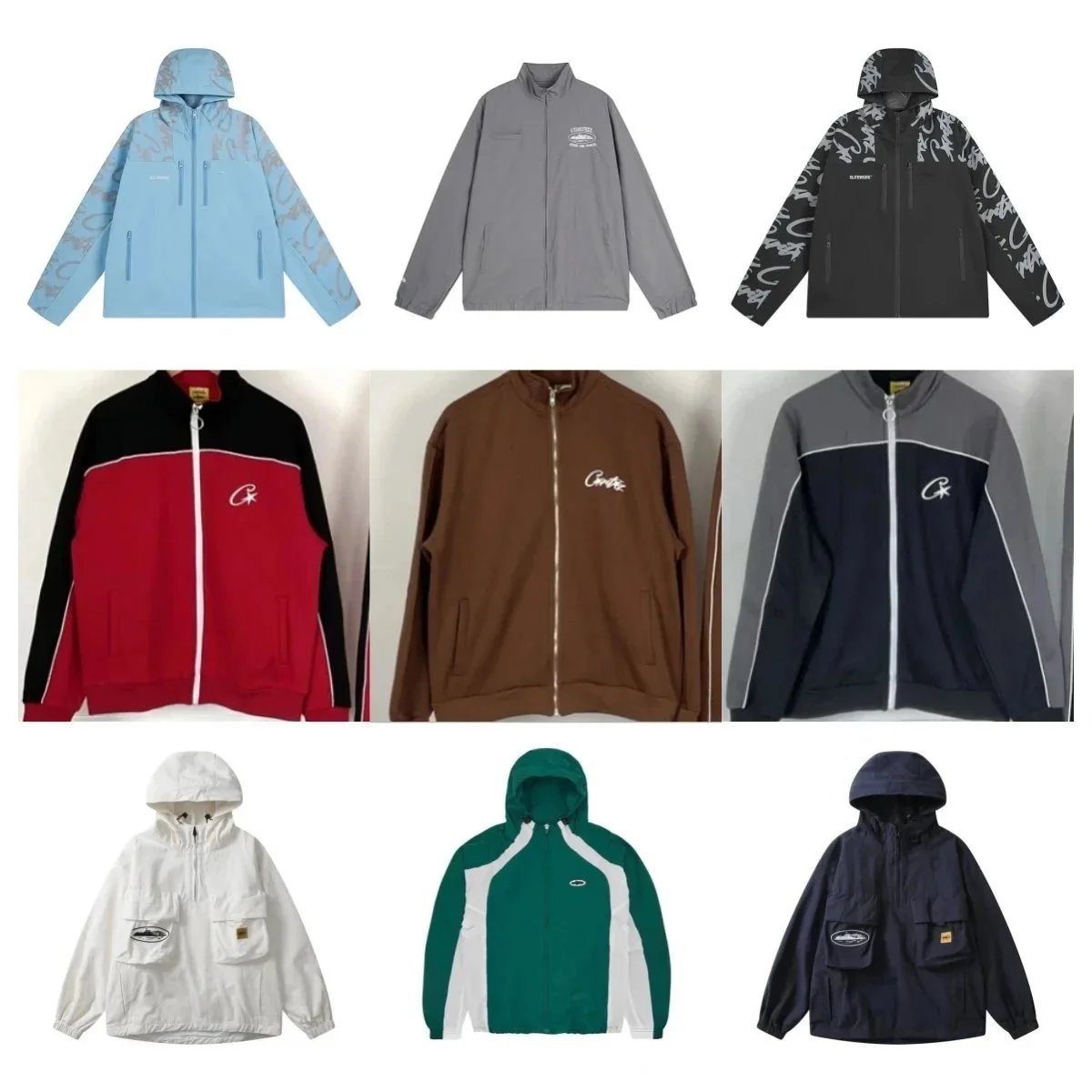
Outerwear Jacket | Rizzitgo spreadsheet | LoongBuy spreadsheet | CNShopper spreadsheet - 136656
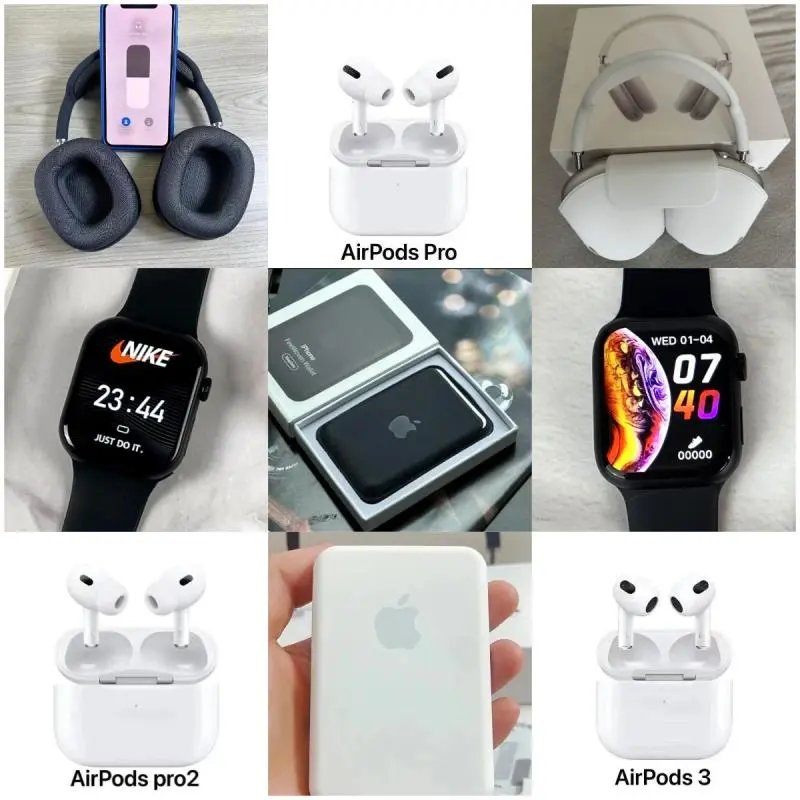
Catalog Item TF25 Digital Electronics | UIDBuy spreadsheet | Fishgoo spreadsheet - 141140

Accessories | UIDBuy spreadsheet | Fishgoo spreadsheet | Oopbuy spreadsheet - 140922