Cafans Journal
Stories & FindsJoyaGoo English CAFANS Guide: A 1000-Word Practical Walkthrough
This English CAFANS guide is a complete, practical walkthrough for anyone who wants to get more out of JoyaGoo. Whether you are a first-time visitor or a returning user, the goal is simple: understand the platform, build a reliable JoyaGoo spreadsheet, follow a repeatable JoyaGoo guide, verify JoyaGoo product links, and shop with confidence using a clear JoyaGoo shopping guide. Below you will find a structured overview, a step-by-step workflow, and 30 related terms woven in naturally so the guide reads like real advice rather than a keyword list.
What JoyaGoo Is and Who This Guide Is For
JoyaGoo is an online product discovery and shopping platform where users browse listings, compare options, and track items they like. This English CAFANS guide is written for shoppers, deal hunters, resellers, and casual browsers who want a system instead of random clicking. CAFANS, in this context, stands for a practical cycle: Collect, Assess, Filter, Act, Note, Share. That six-step loop keeps your research organized and makes every JoyaGoo session productive.
Before you begin, set expectations. JoyaGoo is a marketplace-style experience, so inventory, pricing, and availability change often. A good JoyaGoo guide never promises fixed prices; it teaches you how to check current details yourself. Treat every listing as a snapshot, not a guarantee.
Step 1 — Collect: Build Your JoyaGoo Spreadsheet
The single most useful habit in this guide is keeping a JoyaGoo spreadsheet. Start with columns for item name, category, listed price, shipping estimate, seller rating, link, date checked, and a short note. A JoyaGoo spreadsheet turns scattered browsing into comparable data. Add a second tab for wishlist items and a third for price history so you can spot patterns over time.
When you save JoyaGoo product links, copy the full URL and paste it into the link column. Shortened or partial links break later, and a dead link wastes time. Label each entry with a clear name and a category tag such as apparel, home, electronics, beauty, or accessories. This tagging habit is the backbone of any serious JoyaGoo shopping guide.
Step 2 — Assess: Read Listings Carefully
Assess each item before you fall in love with the photo. Check the description, specifications, size or model details, and the seller's rating. Look at the return policy and shipping window. In your JoyaGoo spreadsheet, record the date you checked so you know when to re-verify. A listing that looked great last month may have changed.
Compare at least three similar items side by side. This is where the spreadsheet earns its keep: sorting by price, rating, or shipping cost takes seconds when the data is already organized. Avoid impulse buying by adding a 24-hour cooling-off note to any item above your personal budget threshold.
Step 3 — Filter: Apply Your Own Rules
Filtering is personal. Set minimum seller ratings, maximum shipping times, and a budget ceiling. Use the platform's category and search tools, then bring the shortlist back to your JoyaGoo spreadsheet. Delete or archive anything that fails your rules; a clean list is easier to act on.
A strong JoyaGoo guide should also mention seasonal factors. Holidays, sales events, and back-to-school periods change both demand and delivery times. Note these in your spreadsheet so future you understands why an item was flagged.
Step 4 — Act: Verify Product Links Before Buying
Before checkout, open each JoyaGoo product link one more time. Confirm the price, variant, quantity, and shipping destination. Check that the seller is the same one you noted. If a link redirects to a different item, update your spreadsheet and reassess. This verification step prevents most ordering mistakes.
Keep payment and account security in mind. Use strong passwords, enable any available account protections, and keep receipts. A trustworthy JoyaGoo shopping guide always emphasizes evidence: screenshots, order numbers, and saved confirmations.
Step 5 — Note: Track Orders and Outcomes
After ordering, add an order column to your JoyaGoo spreadsheet with the order date, expected delivery, and status. When the item arrives, record whether it matched the listing. Over time, this note-taking builds a personal track record of reliable sellers and categories. It also helps you decide what to buy again and what to skip.
Step 6 — Share: Compare Notes Responsibly
Share findings with friends or shopping groups, but avoid overstating claims. Report what you observed, not what you assume. If you recommend a seller, mention the date and the category. This keeps your advice honest and useful, and it strengthens the community around JoyaGoo.
Practical Tips for Everyday Use
Use consistent naming so your JoyaGoo spreadsheet stays searchable. Back up your sheet regularly. Review your wishlist monthly and remove stale entries. When browsing, open items in tabs and save only the best few. Compare shipping costs, not just item prices. Read recent reviews rather than only the star average. Keep a small budget buffer for taxes and fees. If a deal looks too good, slow down and verify the seller and the link.
Common Mistakes to Avoid
Do not rely on memory; use the spreadsheet. Do not trust a single photo; read the details. Do not ignore shipping time during busy seasons. Do not share personal order details publicly. Do not assume a product link is permanent; re-check before purchase. These habits separate a calm shopper from a frustrated one.
Final Checklist Before You Shop
Open your JoyaGoo spreadsheet, confirm your filters, verify each JoyaGoo product link, check the seller rating, review the return policy, and set a budget. Follow the CAFANS loop once per session and your results will improve. This English CAFANS guide is meant to be reused: copy the structure, adapt the columns to your needs, and keep the JoyaGoo guide workflow consistent. With a clean spreadsheet and disciplined steps, JoyaGoo becomes far easier to navigate, and your JoyaGoo shopping guide becomes a personal asset rather than a generic article.
Editor's selection
Popular Products

DS Slippers | Wheebuy spreadsheet | LoongBuy spreadsheet | Lovegobuy spreadsheet - 135724

Accessories | UIDBuy spreadsheet | Fishgoo spreadsheet | Oopbuy spreadsheet - 140922
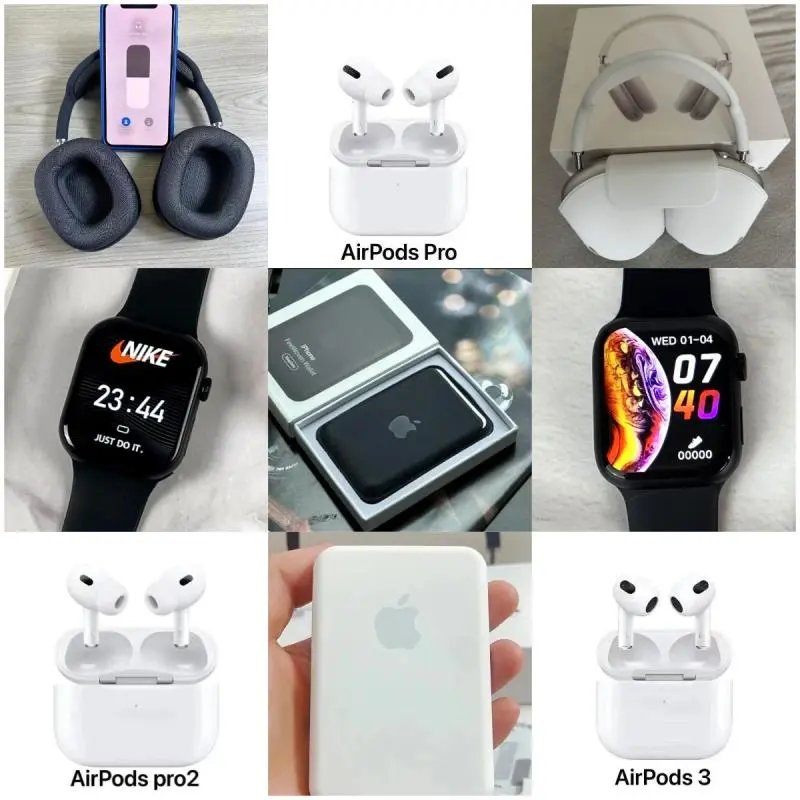
Catalog Item TF25 Digital Electronics | UIDBuy spreadsheet | Fishgoo spreadsheet - 141140
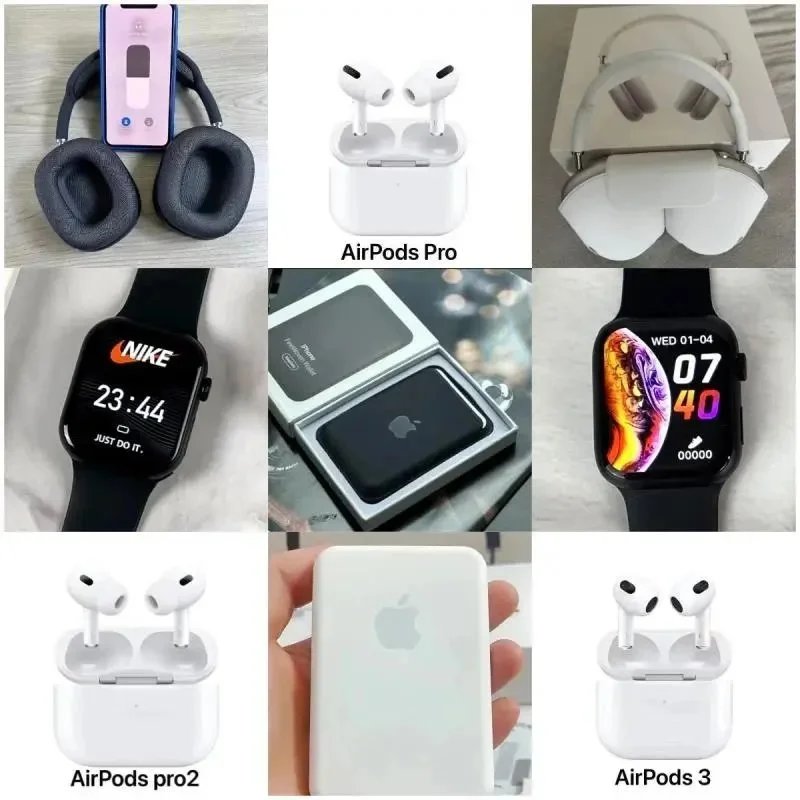
Catalog Item LL55 Digital Electronics | Superbuy spreadsheet | Fishgoo spreadsheet - 138885
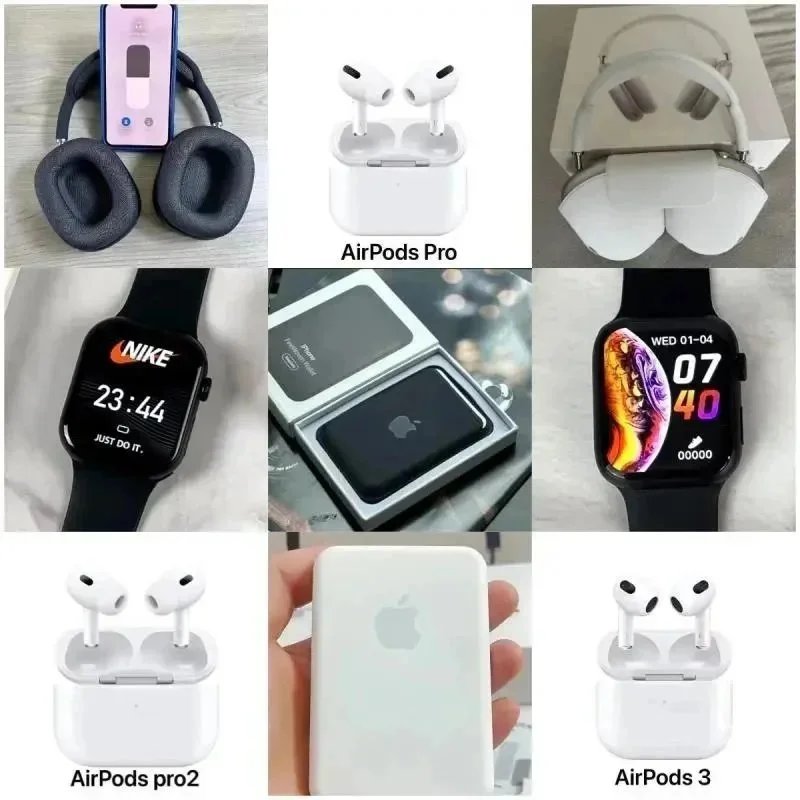
Headphones XB22 Headphones and Electronics Selection | LoongBuy spreadsheet | Hubbuycn spreadsheet - 136779
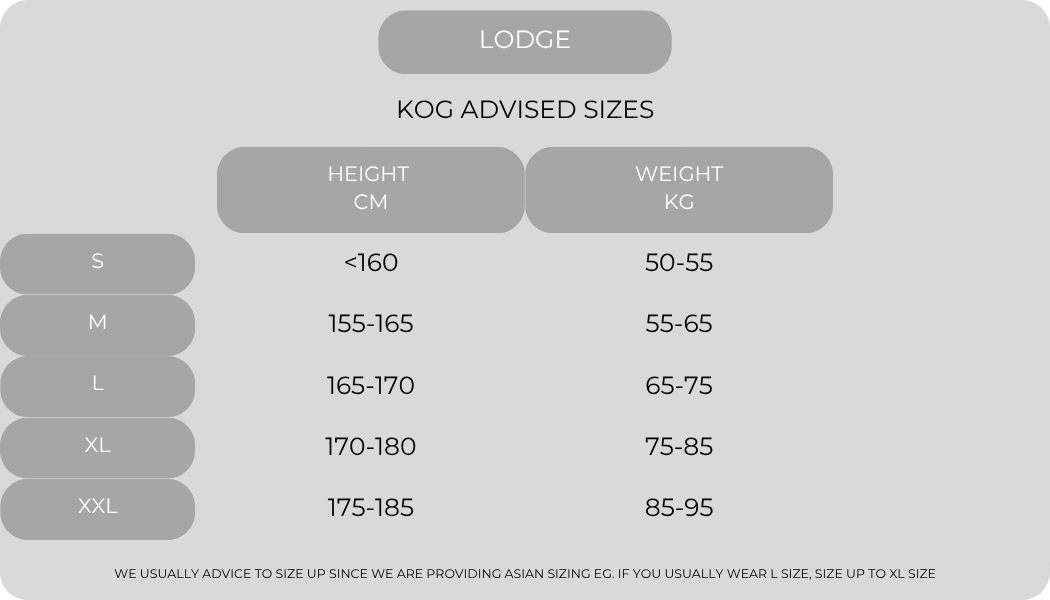
Catalog Item LODGE1200 Apparel | Litbuy spreadsheet | Hubbuycn spreadsheet | LoongBuy spreadsheet - 152120
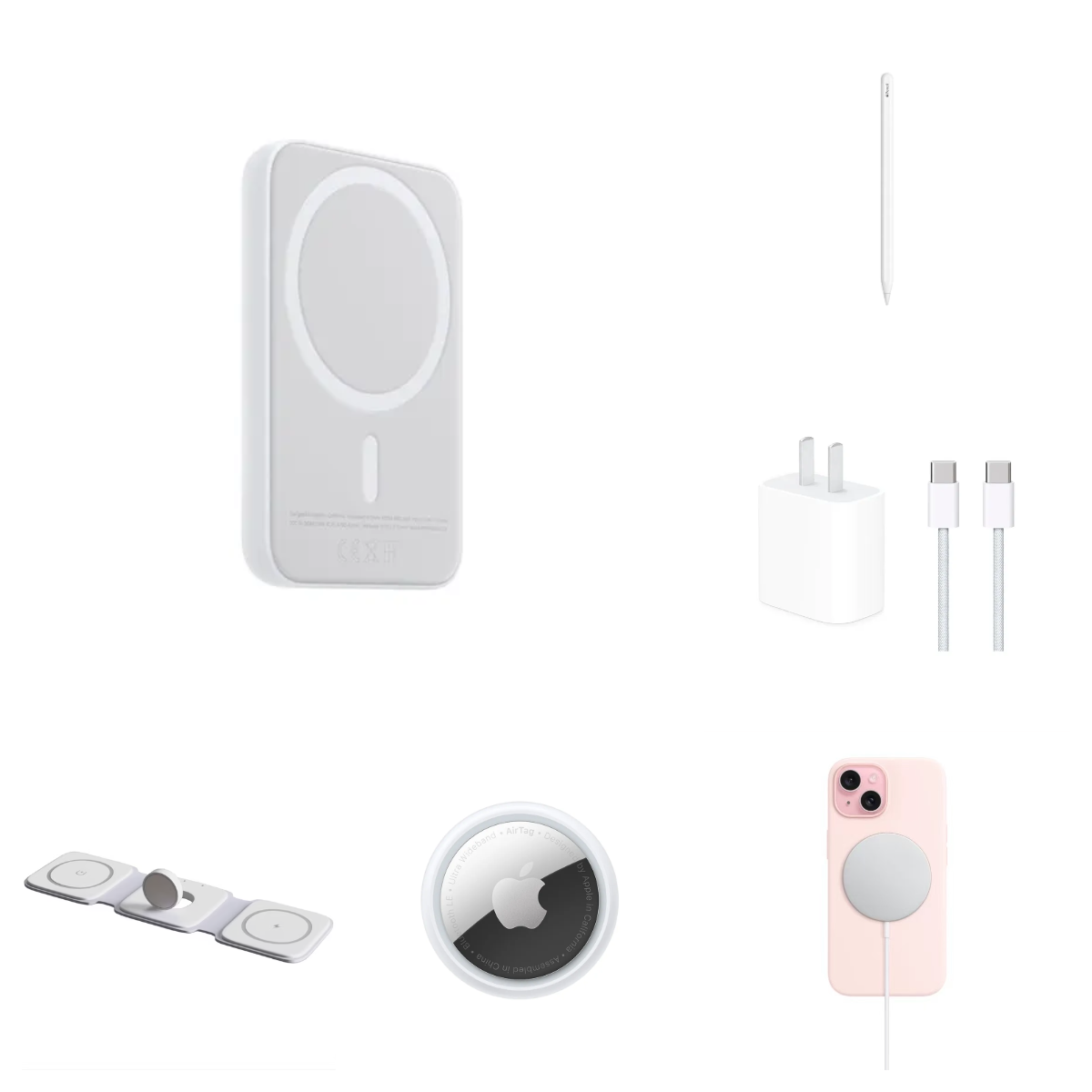
XIAOTEJI Apple-Compatible Chargers and Accessories | Sugargoo spreadsheet | iTaoBuy spreadsheet - 142697