Cafans Journal
Stories & FindsHubBuy English CAFANS Guide: A Complete 1000-Word Shopping Walkthrough
This English CAFANS guide explains how to shop on HubBuy with clarity, confidence, and control. HubBuy is a social commerce marketplace where products are often promoted through short videos, creator recommendations, and curated catalogs. The term CAFANS is used here as a practical framework for evaluating any offer you encounter: Check the listing, Assess the seller, Filter the reviews, Analyze the price, Navigate the checkout, and Save your evidence. Use this HubBuy guide as a repeatable routine rather than a one-time read.
Start with the HubBuy shopping guide mindset. Browse with a purpose. Write down the item category you need before opening the app, because recommendation feeds are designed to expand your wish list. When a product catches your eye, do not buy from the first screen. Open the full product page, read the description, and confirm the specifications match what the video showed. Many shoppers keep a HubBuy spreadsheet to track links, prices, coupon codes, and delivery estimates. A simple sheet with columns for date, item, seller, listed price, shipping cost, and decision notes turns impulse browsing into a managed project.
Check the listing. Look for clear photos, dimensions, materials, warranty terms, and compatibility notes. If the description is vague or the photos look copied, treat that as a warning. Collect HubBuy product links for every item you are considering, then compare them side by side in your HubBuy spreadsheet. This also helps when a listing disappears or changes price.
Assess the seller. Review the store's age, response rate, follower count, and return policy. A high sales volume is not enough on its own; check whether the seller answers questions about sizing, voltage, or spare parts. Reliable sellers usually provide consistent answers and clear after-sales contact details. If you are buying electronics, confirm plug type and voltage. For clothing, confirm the size chart in centimeters rather than relying on letter sizes.
Filter the reviews. Sort by newest and by low ratings, not only by top reviews. Look for photos from real buyers and repeated complaints about the same issue, such as delayed shipping or weak packaging. Short five-star reviews with no detail carry less weight than specific feedback about fit, build quality, or battery life. Save useful review notes in your HubBuy spreadsheet so you remember why you rejected or shortlisted an item.
Analyze the price. Compare the product across sellers and check whether shipping is included. A low headline price with expensive delivery can cost more overall. Watch for bundle deals, seasonal events, and coupon thresholds. Record the price history in your HubBuy spreadsheet and set a target price. If a discount looks unusually large, verify the original price and the return window before committing.
Navigate the checkout. Confirm the selected variant, color, size, and quantity. Review the delivery address, payment method, and any protection plan. Read the cancellation and return rules before paying. Keep screenshots of the order summary, because this is the evidence you will need if the parcel arrives damaged or the wrong item is sent. A disciplined HubBuy shopping guide always ends with a saved order record.
Save your evidence. After delivery, inspect the item promptly and test it within the return window. Photograph the packaging and the product if anything is wrong, then contact the seller with your order number and clear photos. If the issue is unresolved, escalate through the platform's dispute process and attach your screenshots. Your HubBuy spreadsheet should now record the outcome, the refund status, and whether you would buy from that seller again.
Practical category notes. For fashion, measure a garment you already own and compare it with the size chart. For home and kitchen goods, check capacity, material, and dishwasher safety. For electronics and accessories, check certification marks, cable standards, and charging power. For beauty and personal care, check ingredients and expiry dates. For sports and outdoor gear, check weight limits and included accessories. For pet supplies, check size suitability and material safety. Keeping category-specific checks in your HubBuy spreadsheet makes repeat purchases faster.
Avoid common mistakes. Do not rely on a single creator video. Do not ignore shipping time during peak seasons. Do not assume that a sponsored placement means quality. Do not lose track of multiple orders across sellers. Do not skip the unboxing check. And do not share payment details outside the official checkout flow.
Final checklist. Before you pay, confirm that the listing is complete, the seller is responsive, the reviews are credible, the total price is competitive, the checkout details are correct, and your evidence is saved. After delivery, test the item, record the result, and update your HubBuy spreadsheet. Following this English CAFANS guide turns scattered browsing into a structured habit, and a good HubBuy shopping guide should always leave you with fewer regrets, clearer records, and better value. Use HubBuy product links responsibly, compare before you commit, and let your spreadsheet do the memory work.
Editor's selection
Popular Products
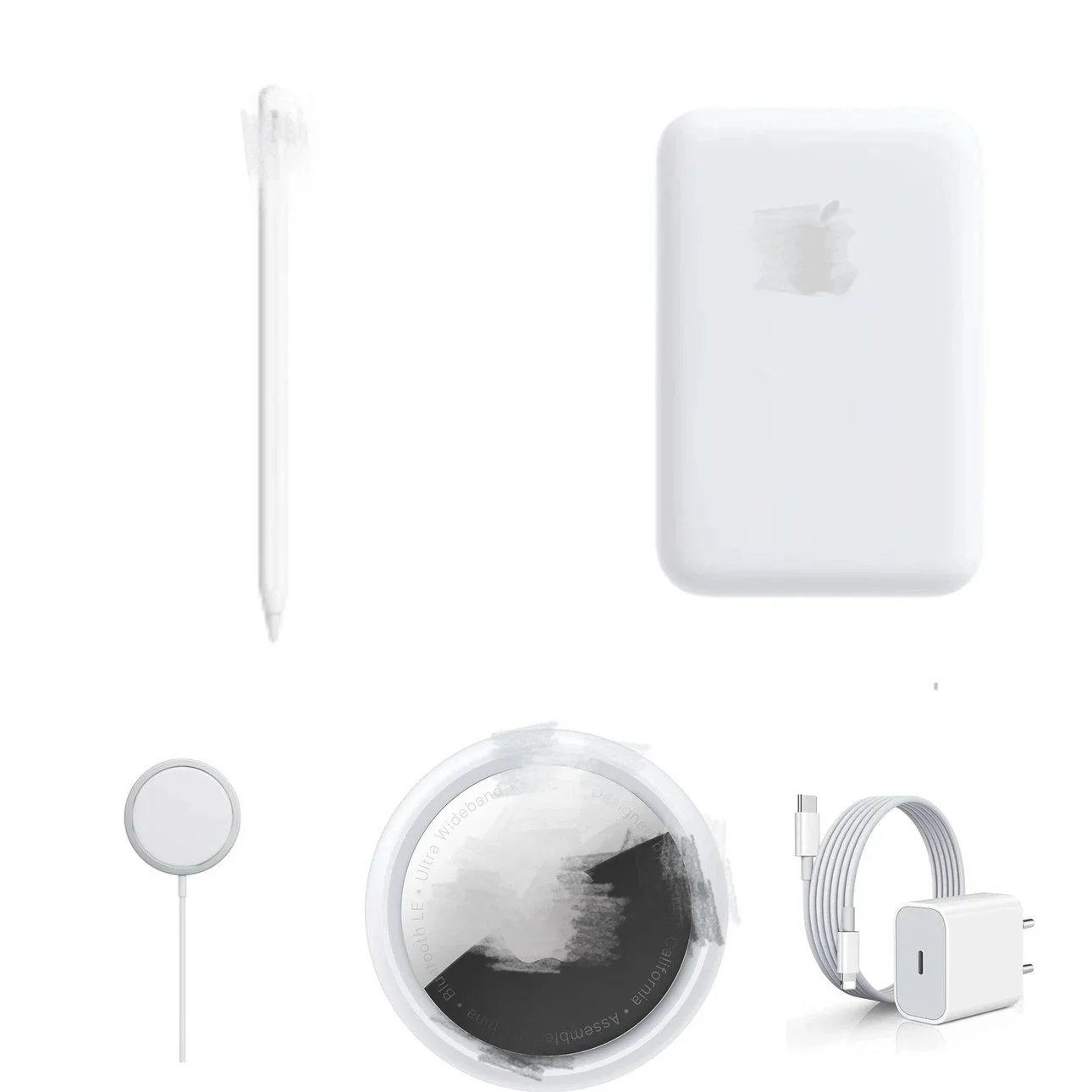
AP Charging and Electronics Accessories Selection | Fishgoo spreadsheet | Sugargoo spreadsheet - 149985

Unisex Graphic Casual T-Shirt - 159236

Swimsuit - 012 - Clothing - 160020

Navy Hooded Bomber Jacket Selection | Lovegobuy spreadsheet | Superbuy spreadsheet - 144401
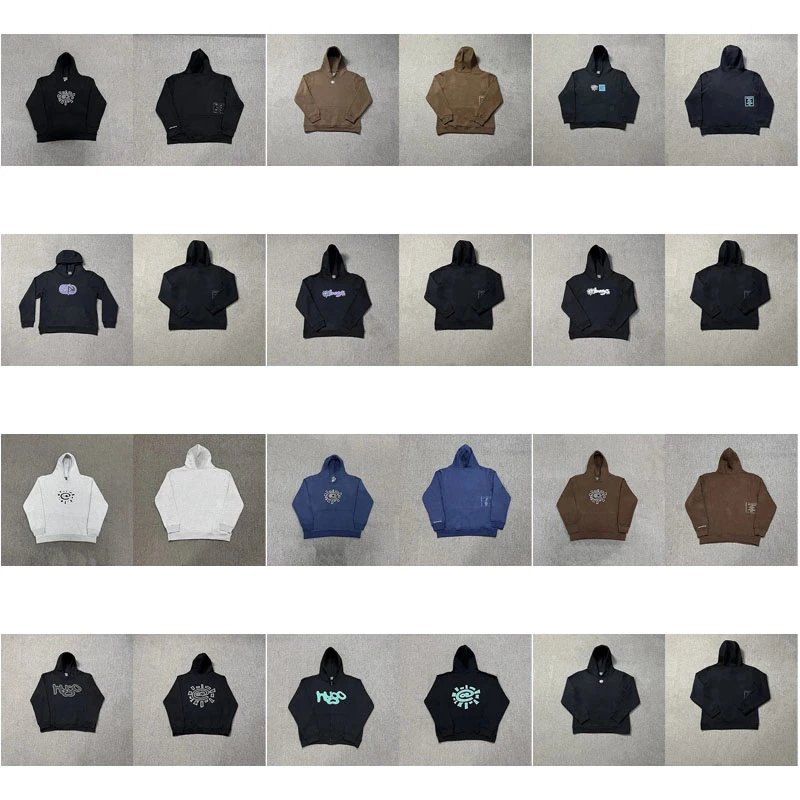
ADWYSD Hoodies | Rizzitgo spreadsheet | Kakobuy spreadsheet | CNShopper spreadsheet - 146637
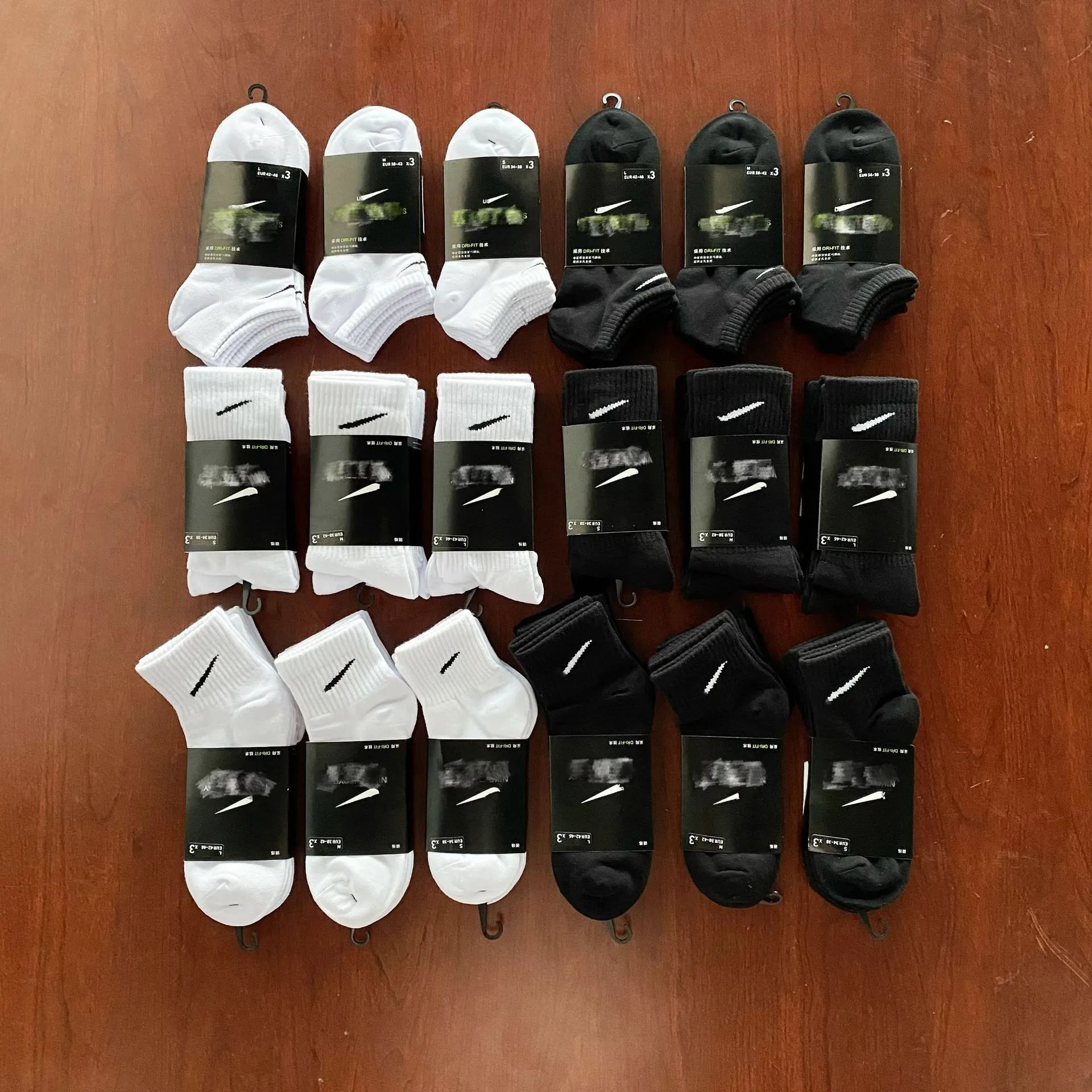
Solid-Color Crew-Length Sport Socks - 172386

Sneakers Jordan 6 Sneakers | Fishgoo spreadsheet | Lovegobuy spreadsheet | CSSBuy spreadsheet - 158646