Cafans Journal
Stories & FindsHubBuy CAFANS Guide: Your Complete Shopping Companion
What Is HubBuy and Why Does It Matter?
If you have ever felt overwhelmed by scattered product listings, inconsistent pricing, and unclear shipping information, this CAFANS guide to HubBuy is written for you. HubBuy is a shopping platform that brings together product discovery, price comparison, and order tracking in one place. Whether you are a first-time visitor or a returning buyer, understanding how the platform works will save you time and money. This English CAFANS guide walks you through every stage, from browsing to checkout, and explains how supporting tools such as a HubBuy spreadsheet and a HubBuy shopping guide can make your experience smoother.
Getting Started on HubBuy
The first step is creating an account. A verified account unlocks saved carts, wish lists, and order history. Once registered, take a few minutes to set your shipping address and preferred payment method. New users should spend time exploring the homepage categories before searching for specific items. A structured approach pays off: instead of jumping between random searches, build a shortlist of categories you actually need. Many experienced shoppers keep a HubBuy spreadsheet listing product names, prices, seller ratings, and delivery estimates. This simple habit prevents duplicate purchases and makes later comparison far easier.
Using a HubBuy Spreadsheet
A HubBuy spreadsheet is not an official document; it is a personal tracking tool that shoppers create to organize their research. Typical columns include item name, category, listed price, shipping cost, seller rating, and the date you last checked the listing. Because prices on any marketplace change frequently, a spreadsheet lets you spot drops and avoid impulse buying. Pair your spreadsheet with a HubBuy guide so you know which columns matter most. For example, record whether an item qualifies for free shipping or returns before you commit. Over a few weeks, your spreadsheet becomes a reliable record of what you have reviewed, what you have bought, and what still needs a decision.
Reading a HubBuy Shopping Guide
A HubBuy shopping guide explains platform features in plain language: how search filters work, how to read seller ratings, and how to interpret return windows. Use the guide to learn about sorting options, such as filtering by price, rating, or shipping speed. Check whether product pages show stock status and estimated delivery dates, and read the return policy before adding anything to your cart. The shopping guide is also the right place to learn about seasonal promotions, coupon codes, and bundle discounts. Keeping a short checklist from the guide next to your HubBuy spreadsheet turns browsing into a repeatable routine.
Working with HubBuy Product Links
HubBuy product links are the fastest way to share or revisit a specific item. When you find something worth considering, copy the link into your spreadsheet rather than relying on memory. Product links usually contain identifiers that let you return to the exact listing, which is useful when comparing variants such as size, color, or capacity. Before sharing a link with friends or family, confirm that it opens the correct item and that the seller is still active. Broken or redirected links are a signal that a listing may have changed, so recheck the price and availability. Treat every HubBuy product link as a snapshot that needs verification before purchase.
Comparing Products and Sellers
Comparison is the heart of smart shopping. On HubBuy, compare at least three similar items before deciding. Look beyond the headline price: factor in shipping fees, taxes, warranty terms, and return costs. Seller ratings matter, but read the text of recent reviews rather than relying only on star averages. Watch for sellers who respond quickly to questions and provide clear specifications. If a listing lacks basic details such as dimensions, materials, or compatibility, that is a warning sign. Your HubBuy spreadsheet should include a notes column for these observations, and your HubBuy shopping guide should remind you to check them consistently.
Checkout, Payment, and Delivery
At checkout, review the cart line by line. Confirm quantities, variants, and shipping addresses. Choose a payment method you trust, and enable any available buyer protection. Save the order confirmation and tracking number in your HubBuy spreadsheet so you can follow the delivery. If a package is delayed, check the tracking status first, then contact the seller through the platform's messaging system. Keep records of conversations; clear documentation makes resolving issues much easier.
Returns, Refunds, and After-Sales Support
Understand the return window before you buy. Some categories have shorter windows or restocking fees. When requesting a return, follow the platform's steps exactly, keep the original packaging, and photograph the item's condition. Refund timelines vary by payment provider, so note the expected dates in your tracker. After-sales support is part of the value you pay for; a responsive seller is worth more than a small discount.
Safety and Smart Habits
Protect your account with a strong password and two-factor authentication where available. Avoid off-platform payment requests, and be cautious of prices that seem unrealistically low. Review your HubBuy spreadsheet monthly, remove outdated entries, and update your HubBuy shopping guide notes as platform features change. These habits keep your research accurate and your decisions confident.
Final Checklist
Before placing any order, confirm the seller rating, the total cost including shipping, the return policy, and the delivery estimate. Record the purchase in your HubBuy spreadsheet and keep the HubBuy product links for reference. With this CAFANS guide, your HubBuy shopping becomes organized, transparent, and far less stressful.
Editor's selection
Popular Products

Wool Crewneck Pullover Sweater - 11 - 164189

Unisex Letter-Print Short-Sleeve Relaxed-Fit Outfit Set | GTBuy spreadsheet | iTaoBuy spreadsheet - 147892

Aloyogo Quick-Dry Straight-Leg Outdoor Sweatpants - 165687

Solid Crewneck Sweatshirt Selection | OOTDBuy spreadsheet | Fishgoo spreadsheet | BBDBuy spreadsheet - 143553

Large-Capacity Tote Bag | Fansbuy spreadsheet | MyCNBox spreadsheet - 152749

Winter Windproof Padded Jacket - AA03 | Kakobuy spreadsheet | Sugargoo spreadsheet - 156923
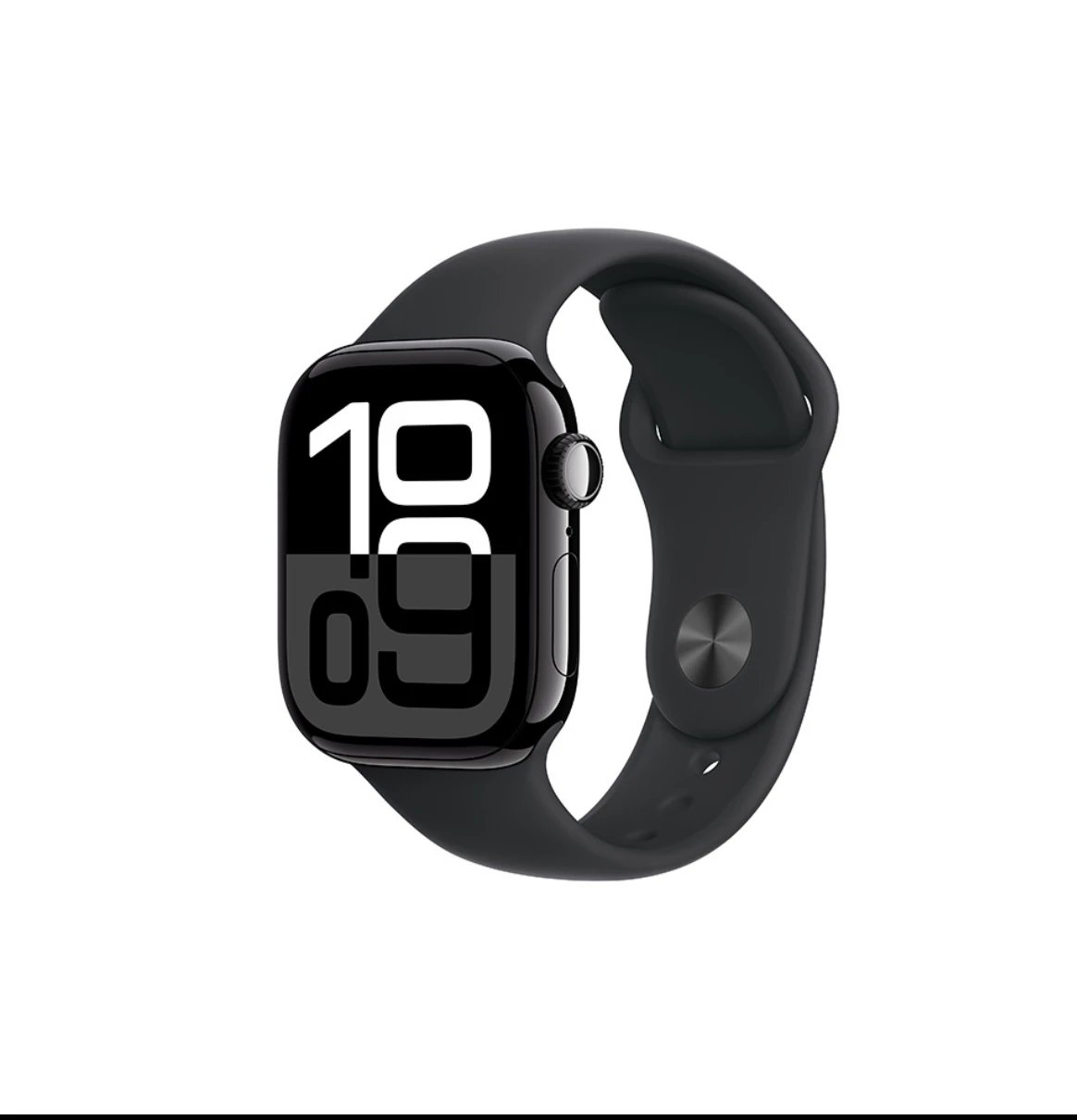
Series 9 and 10 Smartwatches - 45 mm - 163735