Cafans Journal
Stories & FindsJoyaGoo English CAFANS Guide: A 1,000-Word Practical Walkthrough
What This JoyaGoo Guide Covers
This English CAFANS guide is a practical, plain-language walkthrough for anyone who wants to use JoyaGoo efficiently. CAFANS here stands for Clarity, Accuracy, Filtering, Annotation, Navigation, and Sharing — the six habits that separate a frustrating browsing session from a smooth one. Whether you are a first-time visitor or someone who has already bookmarked the site, the goal is simple: help you find the right products, compare them honestly, and keep a clean record of what you shortlisted. Everything below is written around JoyaGoo as the main platform, with supporting notes on the JoyaGoo spreadsheet, the JoyaGoo guide workflow, JoyaGoo product links, and the overall JoyaGoo shopping guide experience.
Step 1 — Clarity: Define Your Search Before You Click
Most wasted time online comes from vague intent. Before you open JoyaGoo, write one sentence describing what you need. For example: “a compact desk lamp under a set budget with warm light.” That single sentence becomes your filter checklist. Keep a JoyaGoo spreadsheet open in a second tab and create four columns: item name, category, price range, notes. This is the first habit of the CAFANS method, and it makes the rest of the JoyaGoo shopping guide far faster.
Step 2 — Accuracy: Read Listings Carefully
Accuracy means verifying details rather than trusting a headline. Check the product title against the description, confirm dimensions and materials, and read the fine print on variants such as colour, size, or bundle contents. When you save JoyaGoo product links, copy the full URL and paste it into your spreadsheet next to the item name so you can return to the exact page later. Avoid saving screenshots alone — images do not carry variant information. A good rule: if two listings look identical but differ in price, assume there is a difference in specification until you prove otherwise.
Step 3 — Filtering: Narrow Before You Compare
Filtering is where the JoyaGoo guide saves the most time. Apply the obvious constraints first — category, budget band, and any must-have feature — then look at what remains. Sorting by relevance is useful, but sorting by price helps you spot outliers. Keep a shortlist of no more than eight candidates. In your JoyaGoo spreadsheet, mark each candidate as keep, maybe, or drop, and add a one-line reason. This forces a decision and stops you from re-opening the same tabs repeatedly.
Step 4 — Annotation: Build a Comparison Sheet That Works
Annotation turns browsing into evidence. For each shortlisted item, record: category, key specification, listed price, shipping notes, and a link. Add a separate column for “questions to verify” — for instance, warranty length, return window, or whether accessories are included. A well-built JoyaGoo spreadsheet should let you explain your choice to someone else in under a minute. If a row cannot be explained, it is probably not a strong candidate.
Step 5 — Navigation: Move Around the Site Deliberately
Navigation discipline matters. Use category pages to explore breadth, and use individual product pages for depth. When you open many tabs, group them by category, and close anything you have already marked drop. Keep your spreadsheet as the single source of truth rather than relying on browser history. If you are following a specific collection or seasonal section, note the date you visited — assortments change, and a link that worked last month may now point to a different variant.
Step 6 — Sharing: Use Links and Notes Together
Sharing is the final CAFANS habit. When you send a recommendation, pair the link with the reason: category, price band, and the specification that made it stand out. Friends and family rarely need ten options — two or three annotated choices are far more useful. If you are coordinating a group purchase, a shared JoyaGoo spreadsheet with a link column removes almost all back-and-forth.
Common Mistakes to Avoid
- Comparing items from different categories as if they were equivalent.
- Saving links without noting the variant or price at the time of saving.
- Letting a shortlist grow past eight items.
- Ignoring return and shipping terms until after checkout.
- Trusting a single listing detail instead of cross-checking the description.
A Simple Weekly Routine
Spend ten minutes at the start of the week tidying your spreadsheet: delete broken links, update prices, and remove items you no longer need. Then browse with one clear sentence of intent. This small routine keeps the JoyaGoo shopping guide experience calm rather than chaotic, and it makes every future search faster because your notes already exist.
Final Checklist
Before you finish a session, confirm six things: your intent sentence is written, every shortlisted item is verified, filters were applied, the spreadsheet has notes and links, the tab count is under control, and any shared list includes reasons. Follow that sequence and the CAFANS method becomes automatic — which is exactly the point of this JoyaGoo guide.
Editor's selection
Popular Products
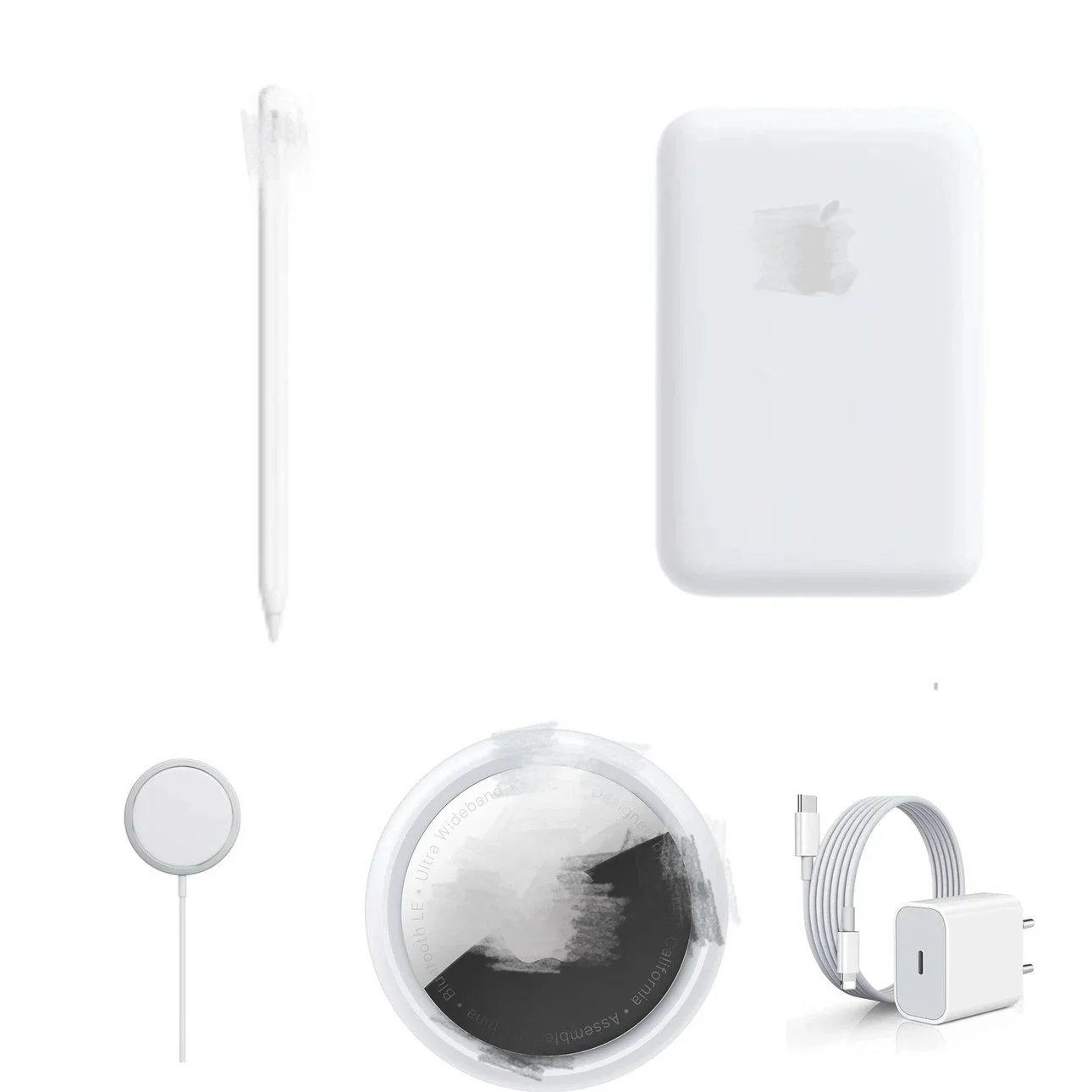
AP Charging and Electronics Accessories Selection | Fishgoo spreadsheet | Sugargoo spreadsheet - 149985

Cylindrical Wireless Speaker with Color Lighting Pulse | LoongBuy spreadsheet | Hipobuy spreadsheet - 141593

Cylindrical Wireless Speaker with Color Lighting Pulse 5 | UIDBuy spreadsheet | Superbuy spreadsheet - 141445

Lighting-Q1 Wireless Earbuds with Charging Case | Hipobuy spreadsheet | Fishgoo spreadsheet - 142685
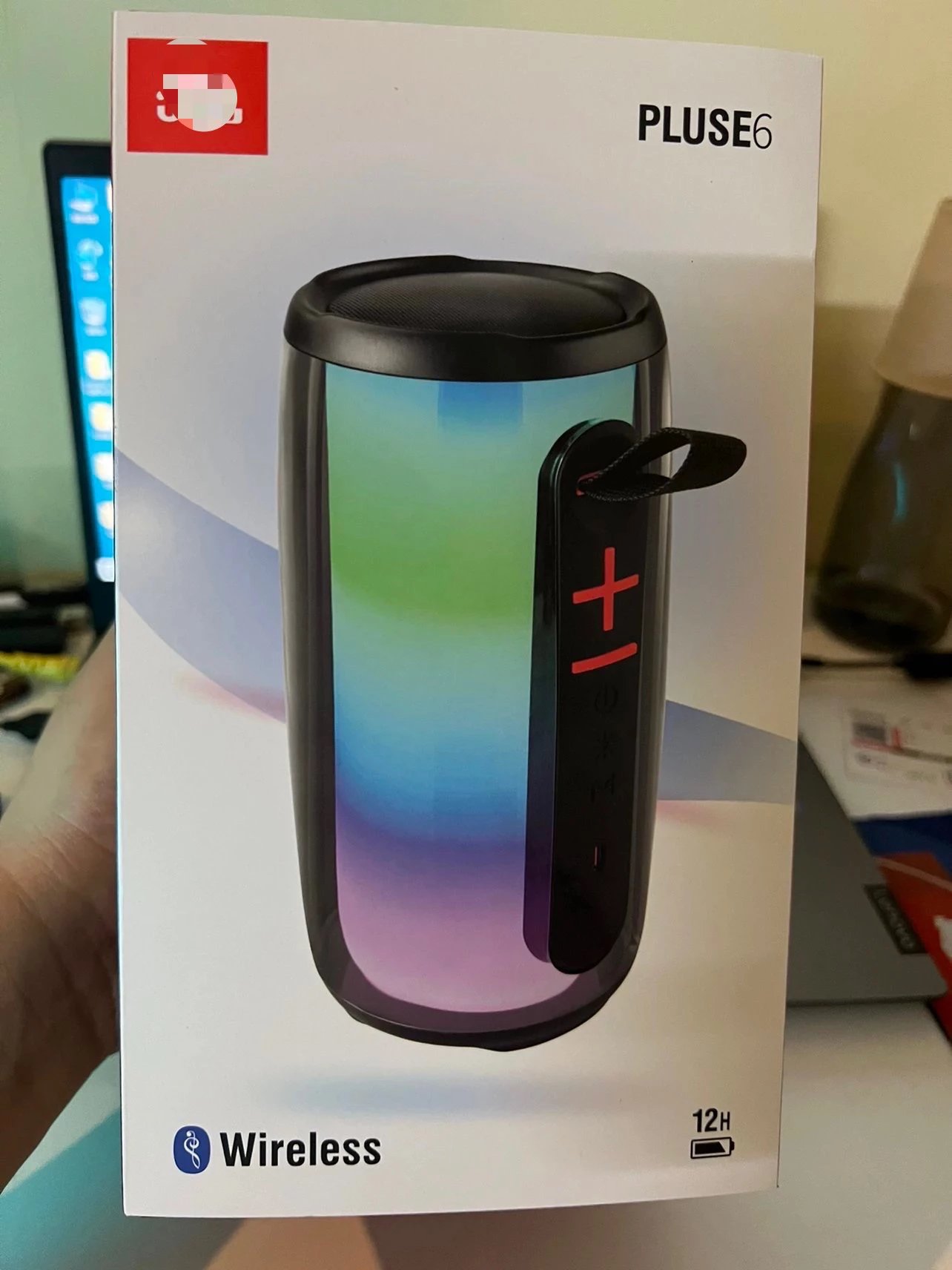
Cylindrical Wireless Speaker with Color Lighting PLUSE6 | OOTDBuy spreadsheet | GTBuy spreadsheet - 142713
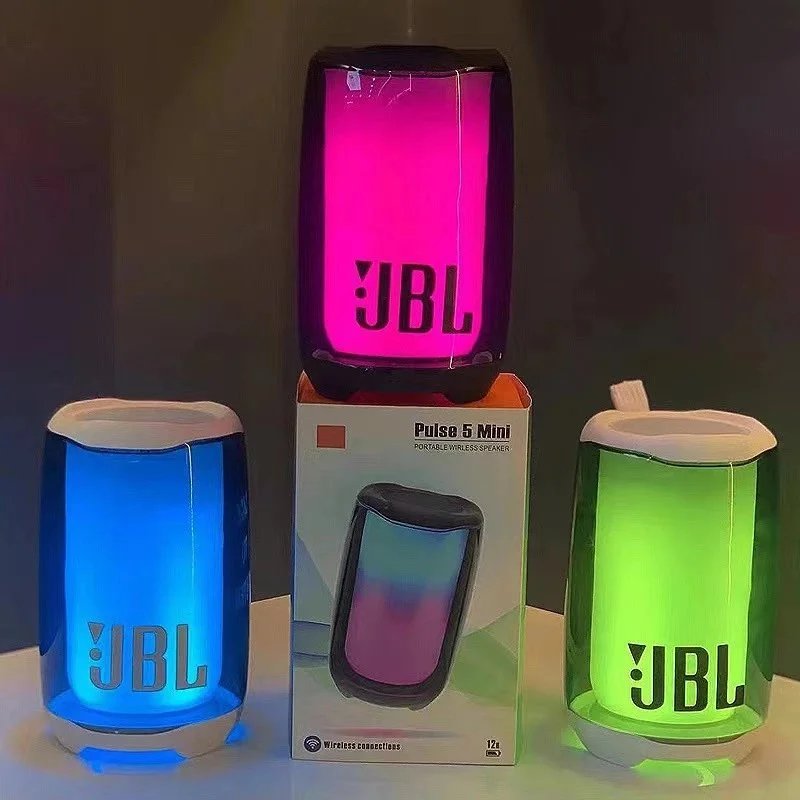
Compact Cylindrical Speaker with Color Lighting Pulse 5 | Fansbuy spreadsheet | Rizzitgo spreadsheet - 142064

Horizontal Portable Speaker with Color Lighting Pulse | Hubbuycn spreadsheet | CNShopper spreadsheet - 142244