Cafans Journal
Stories & FindsKameyMall CAFANS Guide: A Complete 1000-Word Shopping Walkthrough
What Is KameyMall?
KameyMall is an online shopping destination that brings together fashion, home essentials, electronics accessories, and lifestyle products in one storefront. For newcomers, the biggest hurdle is not finding products but understanding how to navigate the catalog efficiently. That is where this CAFANS guide comes in. CAFANS here stands for Catalog, Assortment, Filtering, Analysis, Navigation, and Selection — a simple six-step framework that turns a confusing product feed into a clear buying plan. Whether you are a first-time buyer or a returning shopper, this KameyMall guide will help you move from browsing to checkout with confidence.
Why a Structured KameyMall Guide Matters
Large marketplaces reward preparation. Without a plan, shoppers tend to abandon carts, duplicate orders, or miss coupon thresholds. A KameyMall shopping guide gives you a repeatable routine: check the category tree, review the KameyMall spreadsheet of shortlisted items, compare variants, and confirm shipping details before paying. The KameyMall spreadsheet is especially useful because it lets you track price, size, color, and stock across dozens of SKUs without reopening every tab. Treat the spreadsheet as your control panel and the guide as your roadmap.
Step 1: Catalog — Map the Store Before You Shop
Start by scanning the top-level categories. KameyMall typically organizes listings into apparel, footwear, bags, jewelry, home decor, kitchen tools, phone accessories, and seasonal items. Spend five minutes noting which departments match your needs. This step prevents impulse clicks and keeps your session focused. If you are shopping for a specific event, write the event at the top of your KameyMall spreadsheet so every saved item is judged against that purpose.
Step 2: Assortment — Build a Shortlist
Now collect candidates. Add every promising product to your list, even if you are unsure. The goal is breadth, not commitment. Use the KameyMall product links to jump directly between items, and paste each link into the spreadsheet alongside a one-line note about why it caught your eye. This is also the moment to check whether a product appears in multiple collections, which often signals better stock availability.
Step 3: Filtering — Cut the Noise
Filtering is where the CAFANS method saves the most time. Sort by price, rating, and shipping speed. Remove items with vague descriptions, missing size charts, or unclear materials. In your KameyMall spreadsheet, grey out rejected rows instead of deleting them — you may want to revisit them if your budget changes. A good KameyMall shopping guide rule: if a listing cannot answer three basic questions (what is it, what does it cost, when will it arrive), drop it.
Step 4: Analysis — Compare Value, Not Just Price
Analysis means reading the fine print. Compare fabric composition, warranty terms, return windows, and bundle discounts. Check customer photos for real-world color and fit. Cross-reference the KameyMall guide notes you have collected and flag any product with repeated complaints about sizing or durability. Remember that a slightly higher price with free returns often beats a cheap item with a restocking fee. This is the stage where the KameyMall spreadsheet earns its keep: sort columns by total landed cost, not sticker price.
Step 5: Navigation — Master the Checkout Flow
Navigation covers the path from cart to confirmation. Verify your address, select the correct shipping tier, and apply any eligible coupons before submitting. Keep a column in your spreadsheet for order numbers and tracking links so you can follow up without searching your inbox. If you are buying gifts, add a note about packaging options. A smooth checkout is not luck; it is the result of following a consistent KameyMall shopping guide routine.
Step 6: Selection — Commit and Review
Selection is the final decision. Choose items that passed filtering and analysis, confirm quantities, and place the order. After delivery, update your spreadsheet with a satisfaction rating. Over time, this record becomes a personalized KameyMall guide for future purchases, showing which categories and sellers consistently meet your standards.
Practical Tips for Using KameyMall Product Links
KameyMall product links are more than shortcuts. Save them with descriptive labels — for example, "linen shirt, size M, beige" — so you can reopen the exact variant later. Links also help when comparing similar items side by side. If a link stops working, note it in the spreadsheet; a dead link often means the item sold out or was relisted under a new SKU.
Common Mistakes to Avoid
New shoppers often skip the spreadsheet, overbuy during flash sales, and ignore return windows. Others confuse wishlist saves with actual stock. Use the CAFANS sequence to slow down just enough: catalog first, assortment second, filtering third, analysis fourth, navigation fifth, selection last. This order keeps emotion out of the early stages and lets you enjoy the final choice.
Final Checklist
Before you close the tab, confirm five things: the item matches your original purpose, the total cost fits your budget, the shipping estimate is acceptable, the return policy is clear, and your KameyMall spreadsheet is updated. Follow this KameyMall guide once and the process becomes second nature. The CAFANS framework is not about buying more — it is about buying better, with fewer regrets and faster decisions.
Editor's selection
Popular Products

Shoes Ph076 Breathable Running Shoes | CSSBuy spreadsheet | LoongBuy spreadsheet - 136150
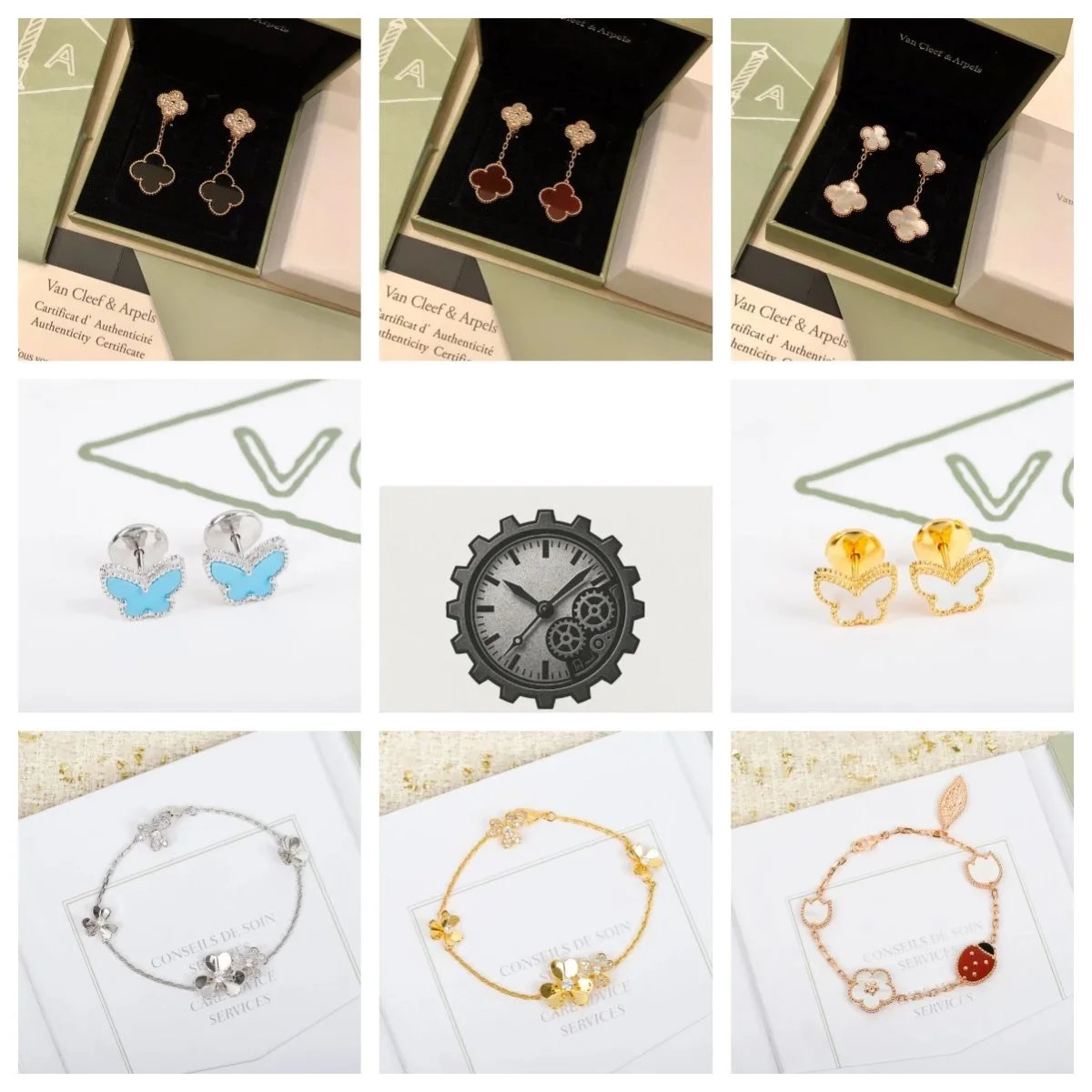
E-1 Van Cleef & Arpels Jewelry Selection | Hubbuycn spreadsheet | CNShopper spreadsheet - 137109
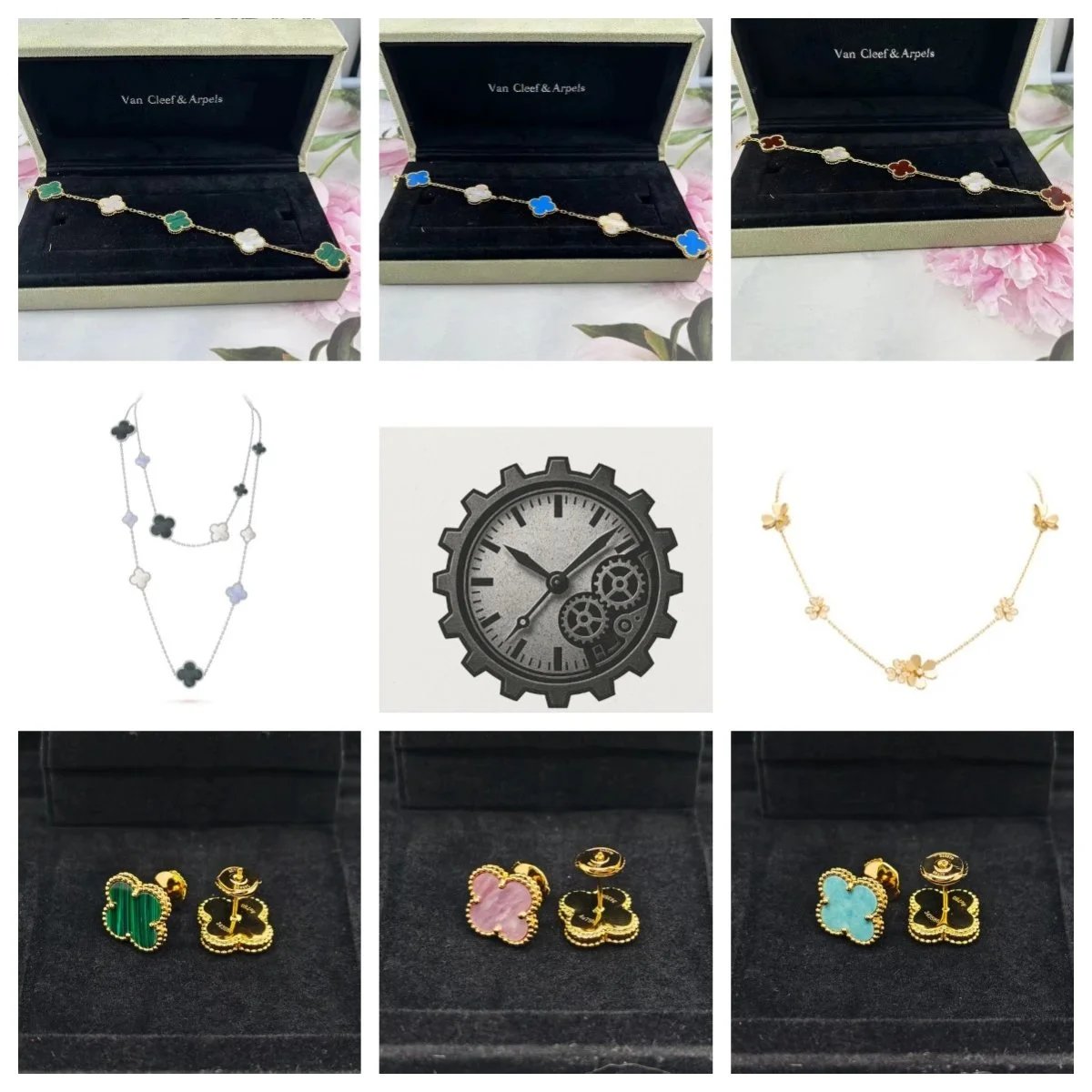
D-1 Van Cleef & Arpels Jewelry with Gift Box | Litbuy spreadsheet | MyCNBox spreadsheet - 138471

Men's Casual Shoes | CSSBuy spreadsheet | Kakobuy spreadsheet | Rizzitgo spreadsheet - 135435

Casual Shoes | Kakobuy spreadsheet | Hubbuycn spreadsheet | CNShopper spreadsheet - 136046

DS Slippers | Wheebuy spreadsheet | LoongBuy spreadsheet | Lovegobuy spreadsheet - 135724
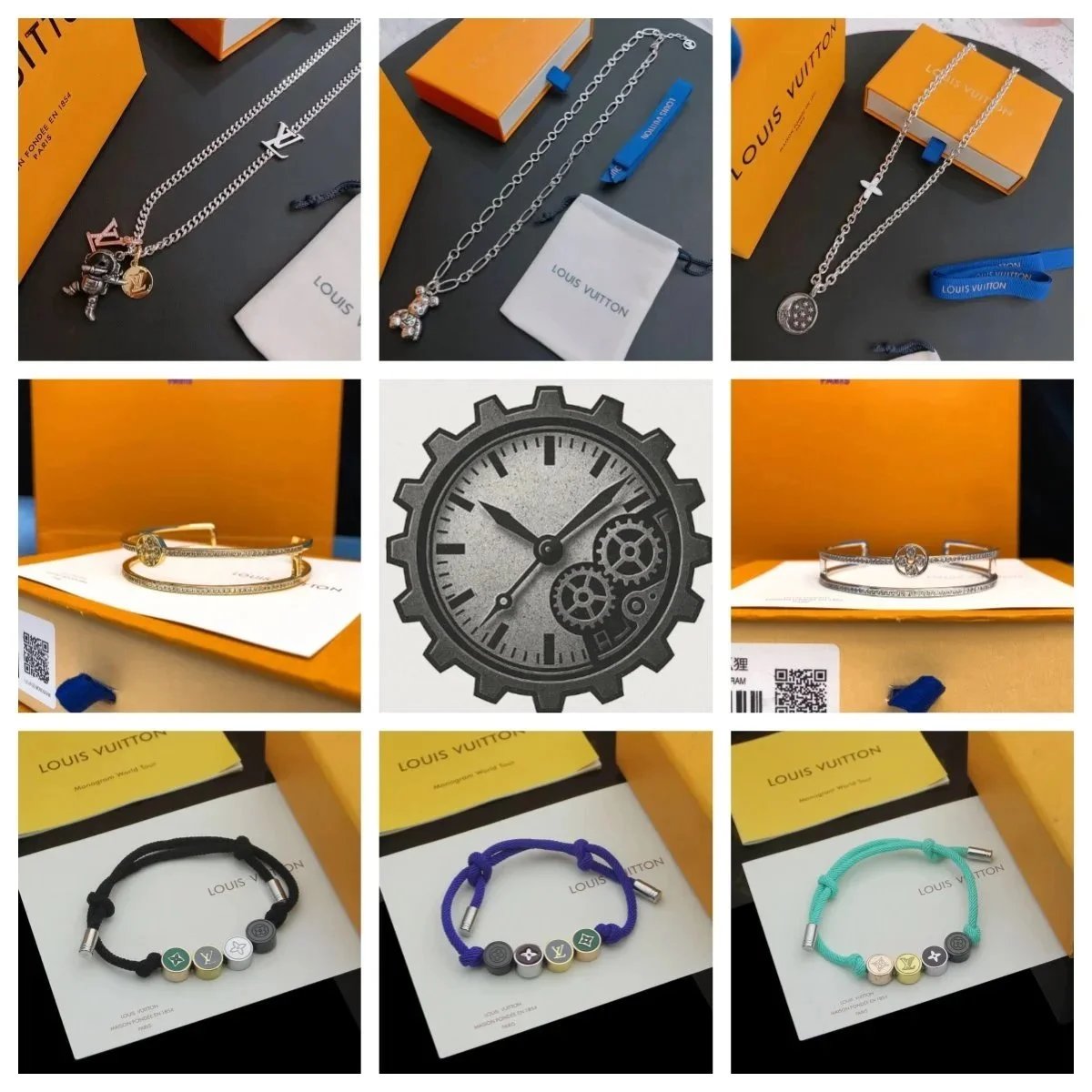
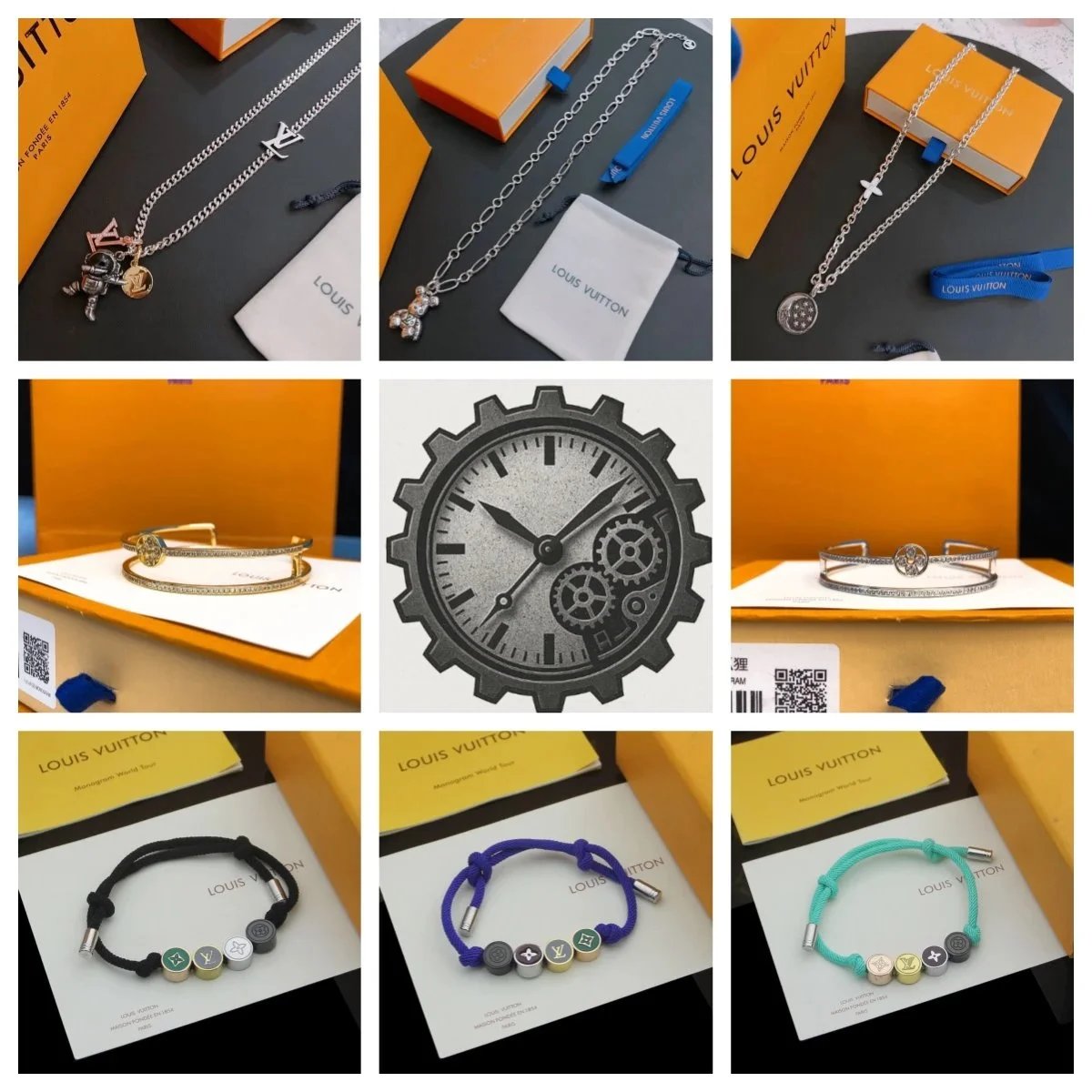
Jewelry I-1 L Jewelry with Gift Box | Fansbuy spreadsheet | iTaoBuy spreadsheet | BBDBuy spreadsheet - 138442